Fusion Addon Settings
Last updated Over 1 year ago
Color Management (ImageIO)
Setting Locaion:
ayon+settings://fusion/imageio
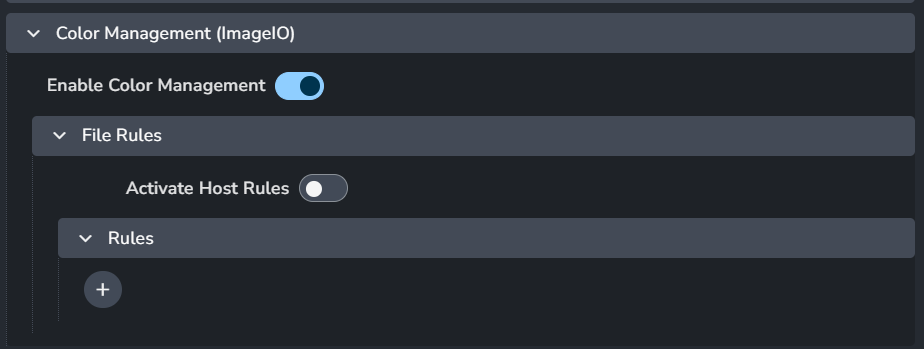
Enable Color Management: This toggle enables AYON's global color management. This toggle is a master switch that enables and disables the whole section.
File Rules
Activate Host Rules
Rules
+: Add more rules
Each rule consists of
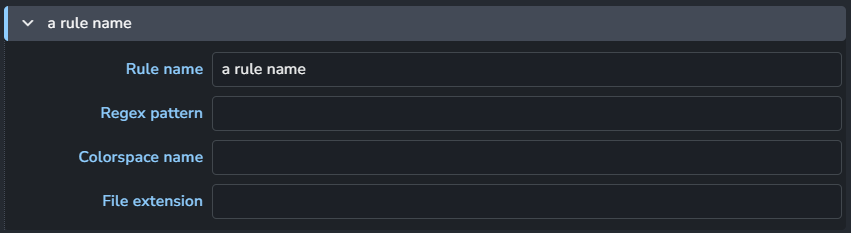
Rule name
Regex pattern
Colorspace name
File extension
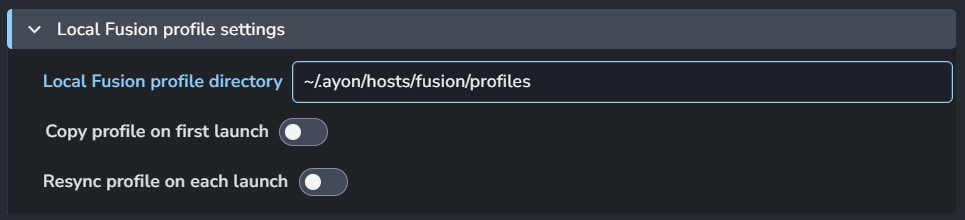
Local Fusion profile settings
Hooks
Setting Location:
ayon+settings://fusion/hooks

Install PySide2:
Launch AYON Menu on Fusion Start: Launch the AYON menu on Fusion application startup. This is only supported for Fusion 18+
Creator Plugins
Create Saver
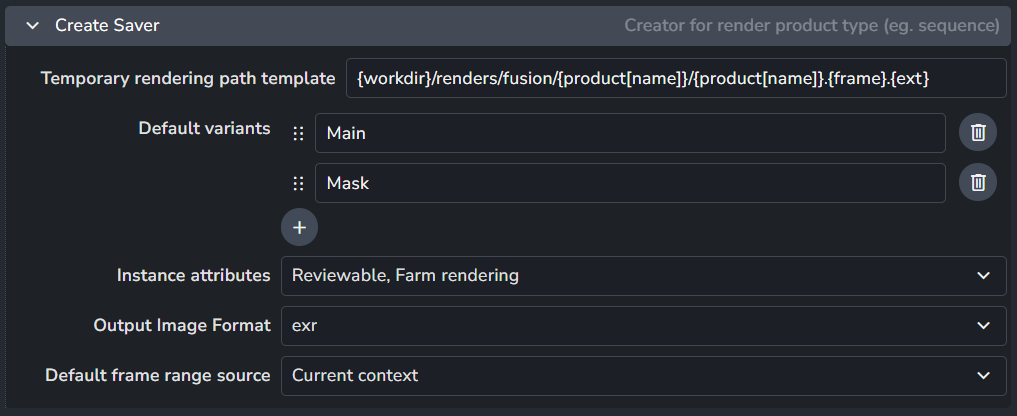
Creator for render product type (eg. sequence).
Temporary rendering path template
Default variants
Instance attributes
Output Image Formate
Default frame range source
Create Image Saver
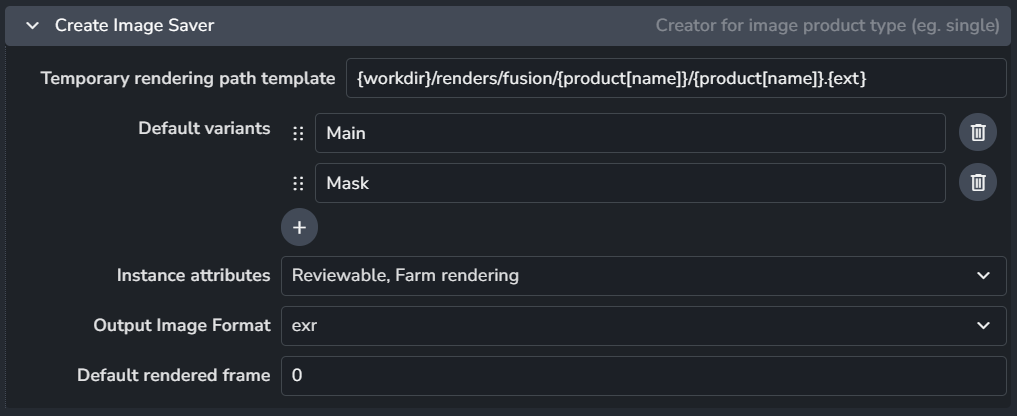
Creator for image product type (eg. single).
Temporary rendering path template
Default variants
Instance attributes
Output Image Formate
Default frame range source
Publish Plugins
Render Local

Suppress Fusion dialogs: When enabled, It suppresses the Fusion 'Render Completed' and 'Render Failed' dialogs.