Workflow Nodes Reference
A reference for Workflow Nodes
Last updated About 2 hours ago
Workflow Nodes
Append
Group single or multiple inputs together into a list format.
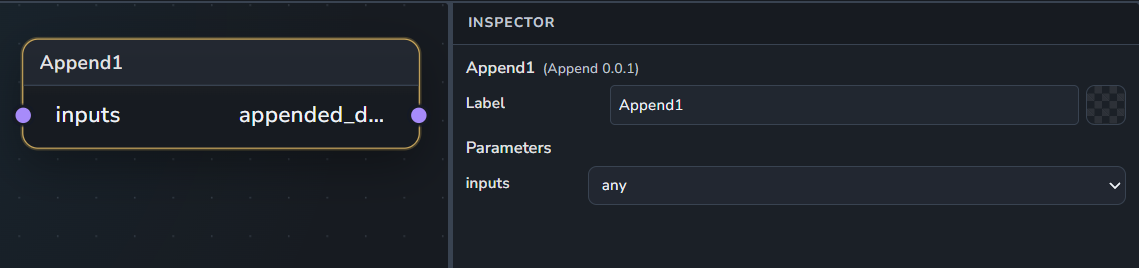
Inputs:
inputs: Any input or list of inputs. Supports multiple connections.
Outputs:
appended_data: The resulting list of grouped data.
BlenderRender
Performs a render operation using Blender host application.
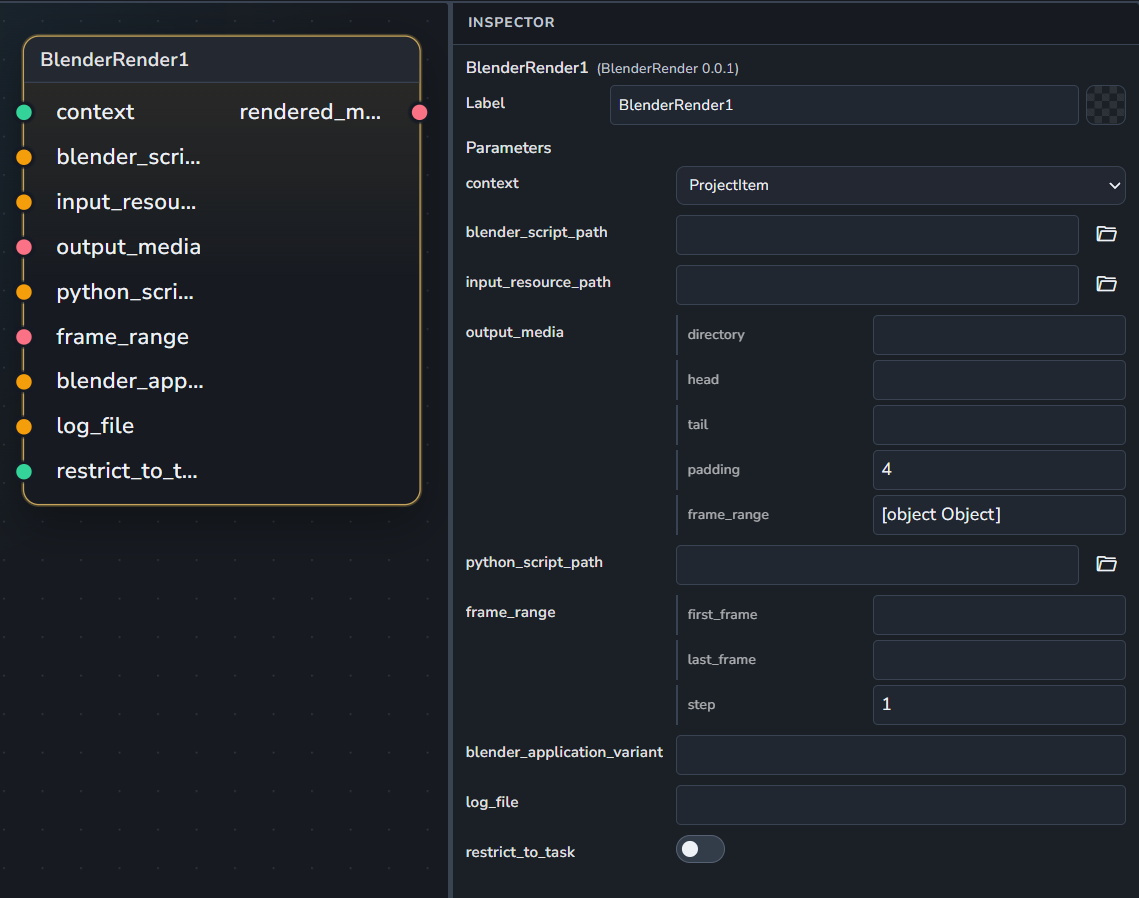
Inputs:
context: The AYON render context.
blender_script_path: The path to the
.blendscene file.input_resource_path: Path to a specific input resource.
output_media: The expected output image sequence.
python_script_path: Path to an optional Python script to run.
frame_range: Specific frame range to restrict the render to.
blender_application_variant: Specific application variant/version to use.
log_file: Path to save the render logs.
Outputs:
rendered_media: The resulting rendered image sequence.
BlenderWorkfile
Assembles a workfile within Blender.
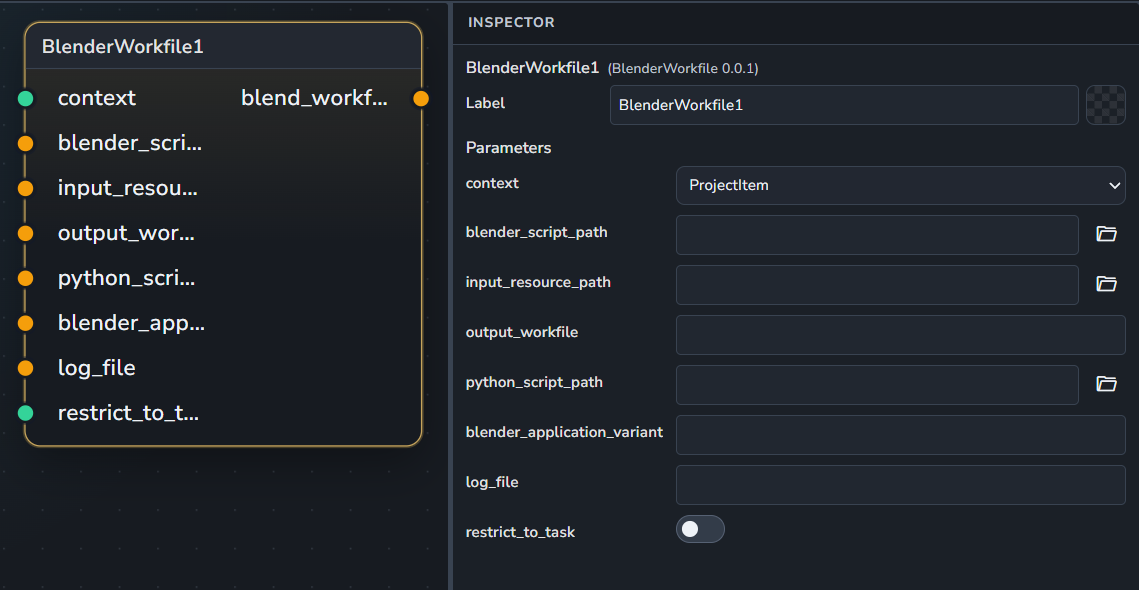
Inputs:
context: The assembly context.
blender_script_path: The path to the
.blendfile.input_resource_path: Path to a required input resource.
output_workfile: The path where the workfile will be saved.
python_script_path: Path to an optional Python script.
blender_application_variant: Specific application variant/version to use.
log_file: Path to save logs
Outputs:
blend_workfile: The resulting Blender workfile path.
Context
Gathers and validates an AYON context item based on project, folder, and task parameters.
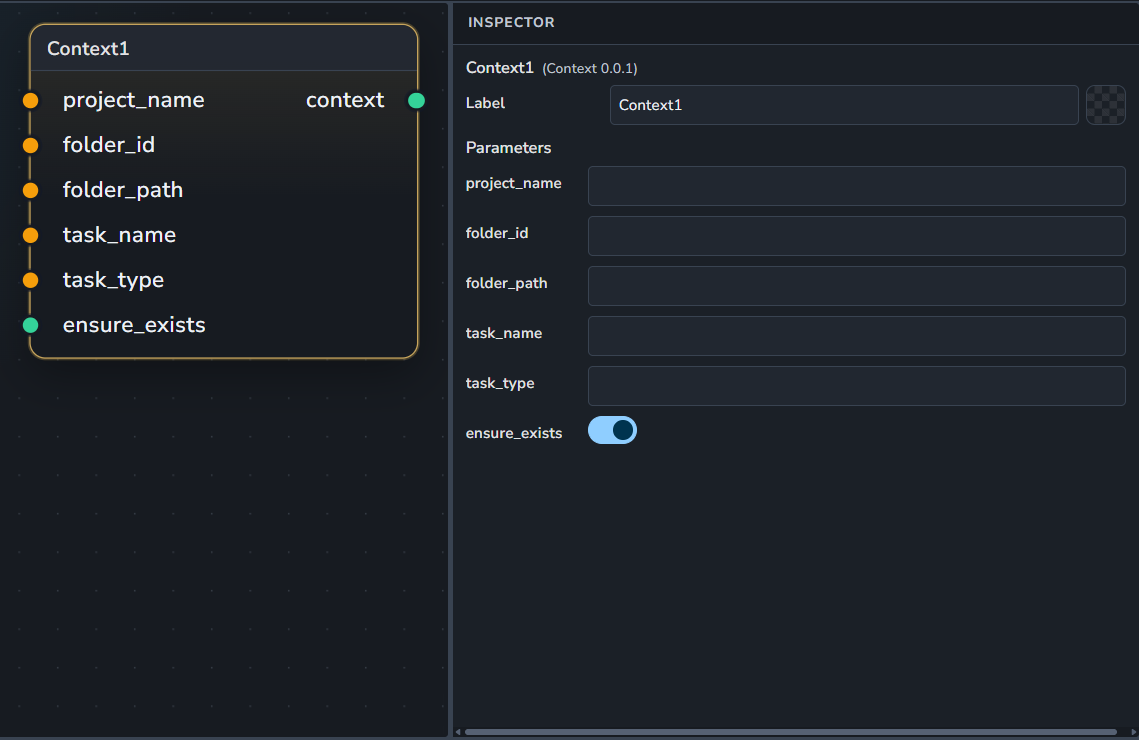
Inputs:
project_name: The name of the project.
folder_id: The unique ID for the folder. it overrides the folder_path if both entered.
folder_path: The path for the folder.
task_name: The name for the task.
task_type: The type for the task.
ensure_exists: When enabled, it checks if given context exists.
Currently, it doesn’t support creating the context if it doesn’t exist.
Outputs:
context: The AYON context item.
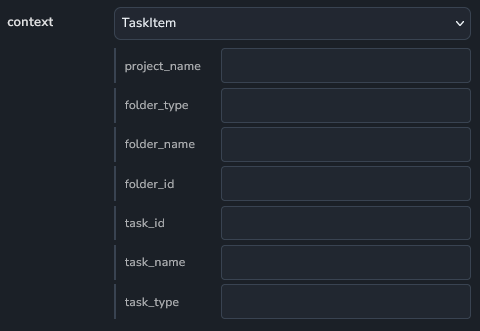
GetParentContext
Get parent context of an AYON context item.
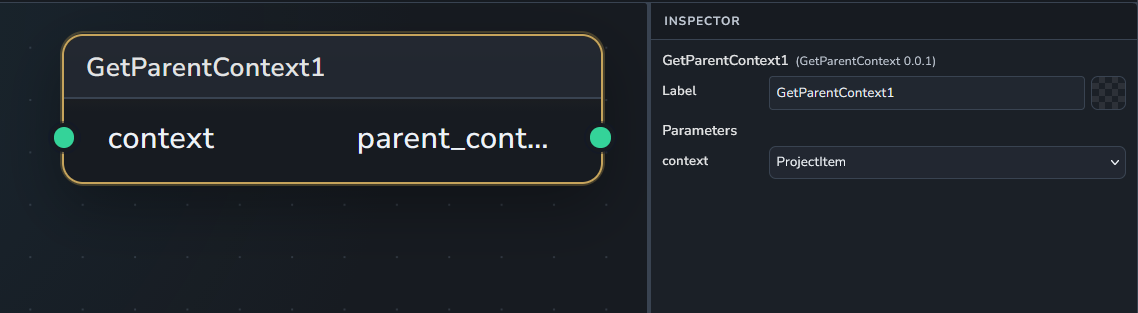
Inputs:
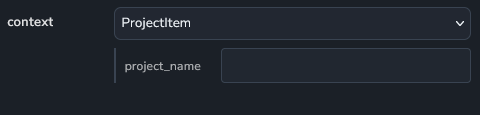
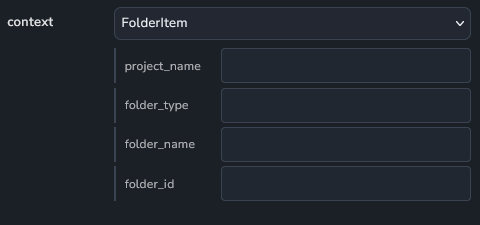
context: An AYON context item.
Project entity
Folder entity
Task entity
Outputs:
parent_context: The parent context.
If
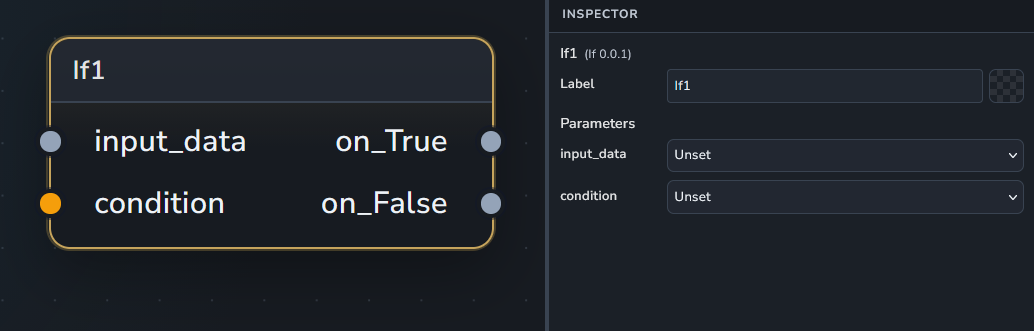
Conditional node evaluating input data
Inputs:
input_data: The input data.
condition: The condition to evaluate. Defaults to bool(input_data). If a string is provided, it is evaluated as a Python expression against
input_data(trusted workflows only).
Outputs:
on_True: input_data when condition is True
on_False: input_data when condition is False
ImageSequence
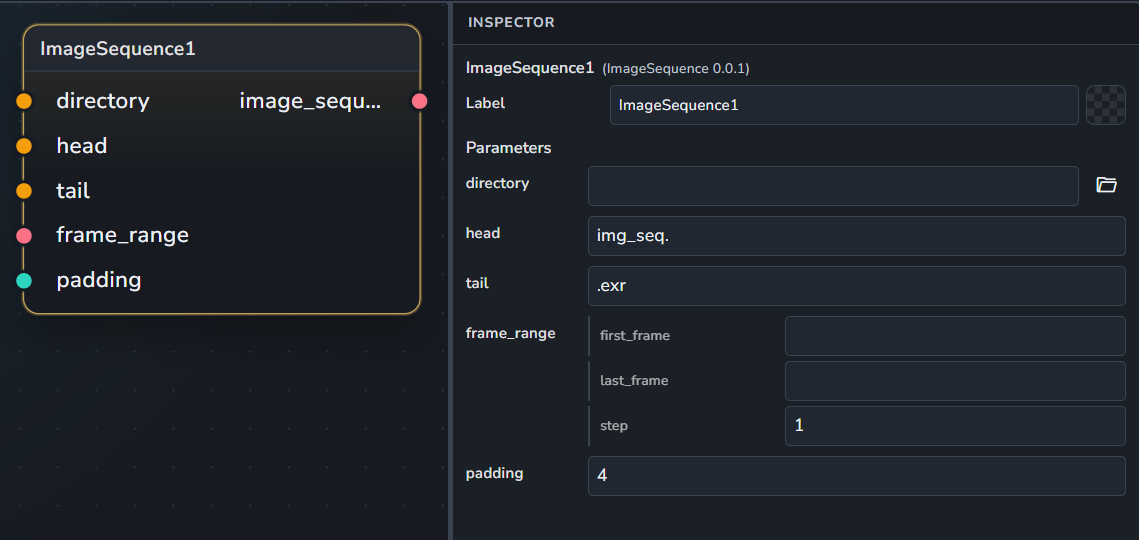
Defines a path for an image sequence, whether it exists on disk yet or not.
Inputs:
directory: The parent directory containing the sequence.
head: The prefix of the sequence filename (Default: "
img_seq.").tail: The file extension or suffix of the sequence (Default: "
.exr").frame_range: The frame range for the sequence.
padding: The number of digits used for frame padding (Default:
4).
Outputs:
image_sequence: The defined image sequence.
MergeSequence
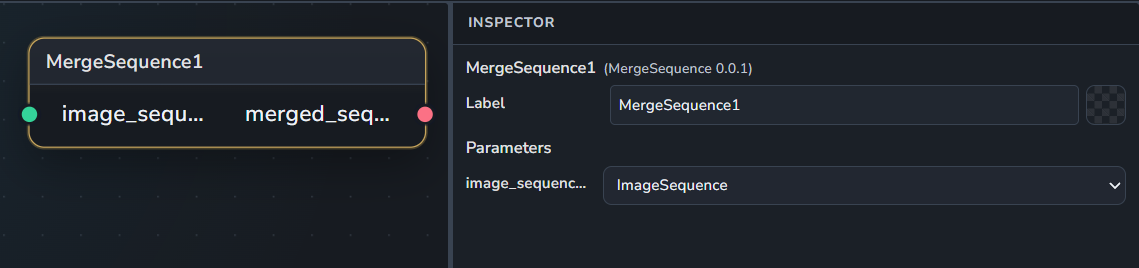
Merges multiple image sequences together into a single sequence object.
Inputs:
image_sequences: One or more image sequences to be merged. Supports multiple connections.
Outputs:
merged_sequence: The resulting merged image sequence.
NoOp
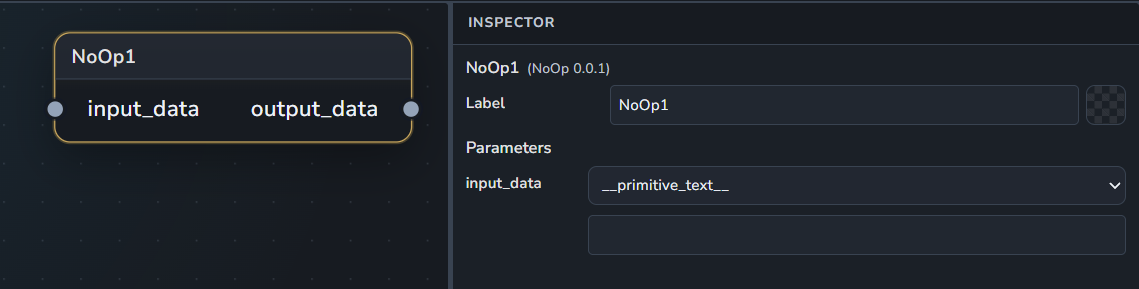
Return the input data as-is without any modifications.
Inputs:
input_data: An input data of any type to be returned as-is.
Outputs:
output_data: The original input data.
NukeRender
Performs a render operation using The Foundry's Nuke.
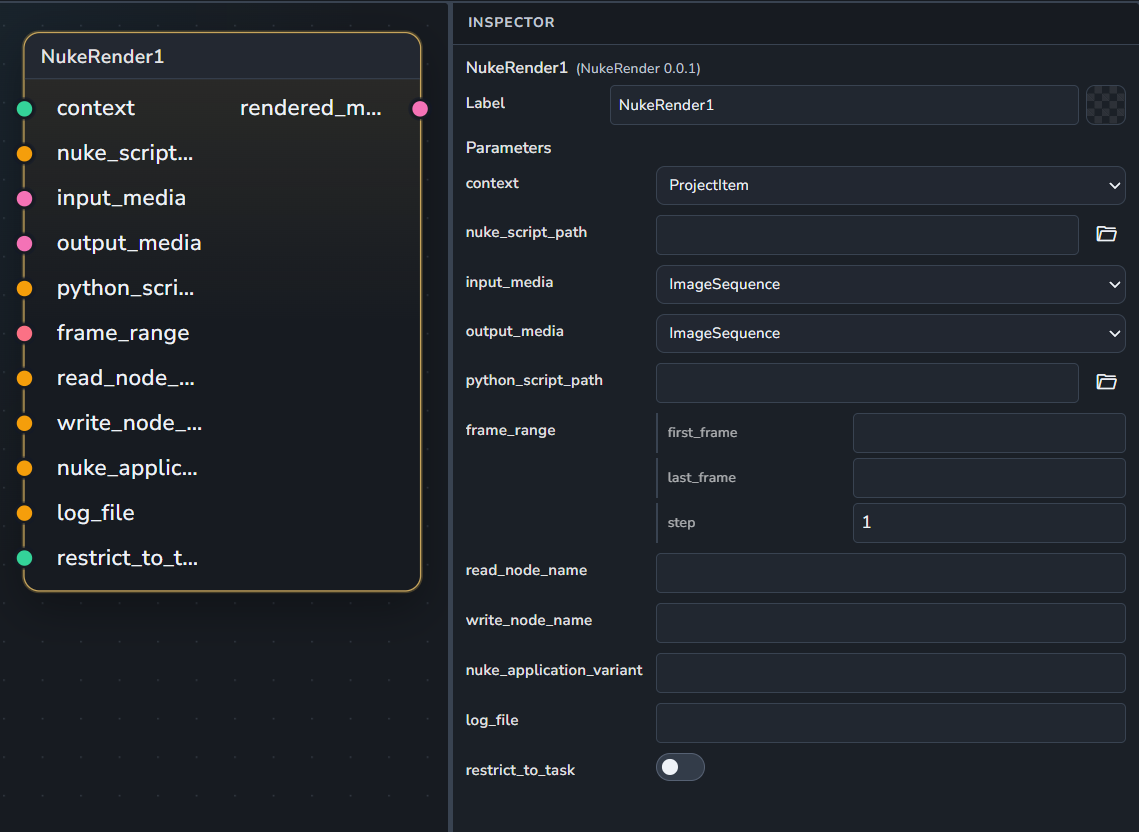
It’s expected that the nuke script has one read node and one write node.
Inputs:
context: The AYON render context.
nuke_script_path: The path to the
.nkscene file.input_media: The media to be processed.
output_media: The expected output media format.
python_script_path: Path to an optional Python script to run.
frame_range: Specific frame range to restrict the render to.
read_node_name: Explicitly specify a Read node name to use.
write_node_name: Explicitly specify a Write node name to use.
nuke_application_variant: Specific application variant/version to use.
log_file: Path to save the render logs.
Outputs:
rendered_media: The resulting rendered media.
OnActionFromFolder
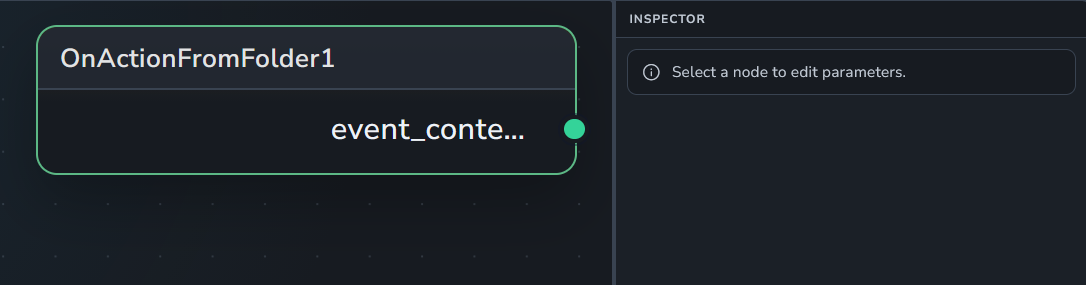
Trigger node: on simple action from folder.
Outputs:
event_context: The output event context
OnActionFromVersion
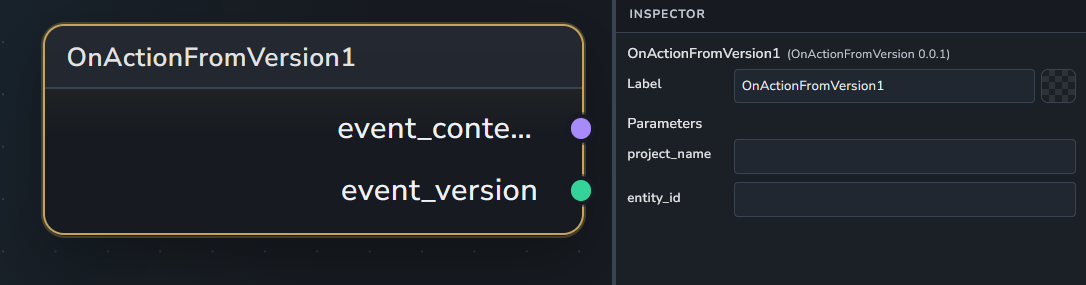
Trigger node: on simple action from version.
Outputs:
event_context: The output event context.
event_version_item: The output event version.
OnSchedule
A cron-based trigger input node.
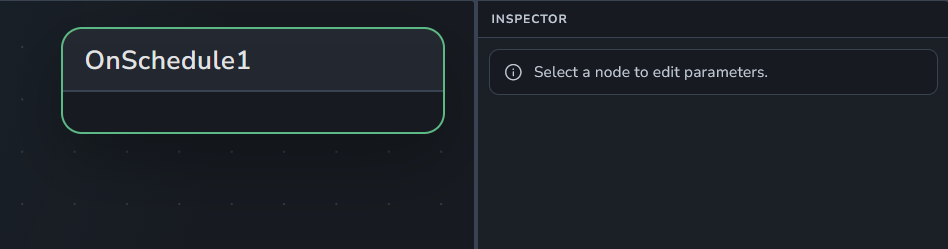
Inputs:
cron_expression: The cron expression.
OnTaskAsigneesChanged
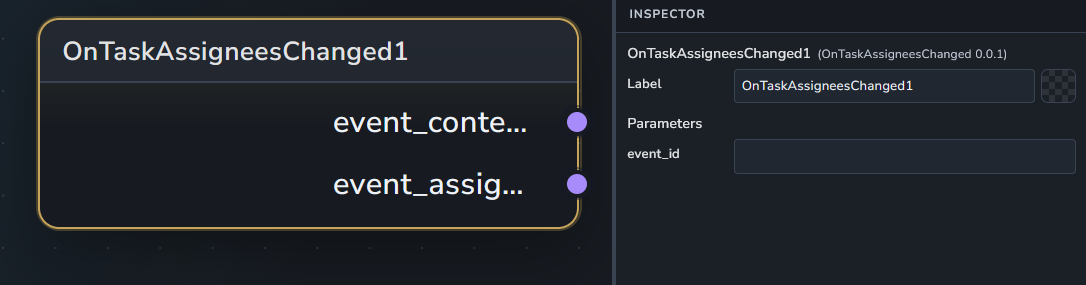
Trigger node: on task assignees changed.
Outputs:
event_context: The output event context.
event_version_item: The output version item.
OnVersionCreated
Trigger node: on new version created.
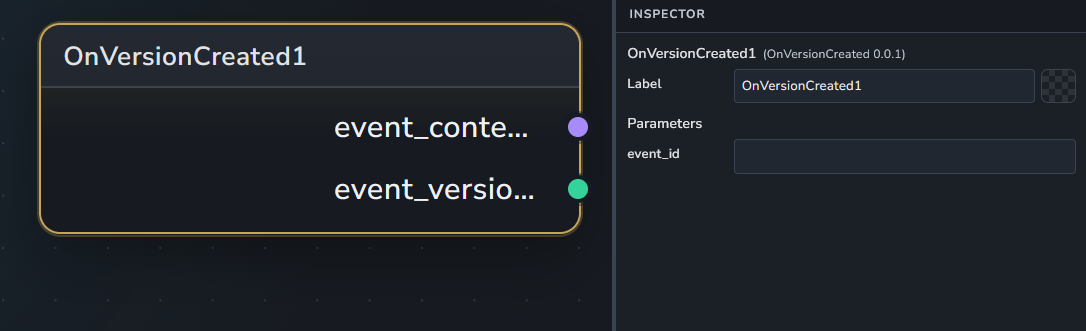
Outputs:
event_context: The output event context.
event_version_item: The output version item.
Publish
Publishes files or media into the AYON system.
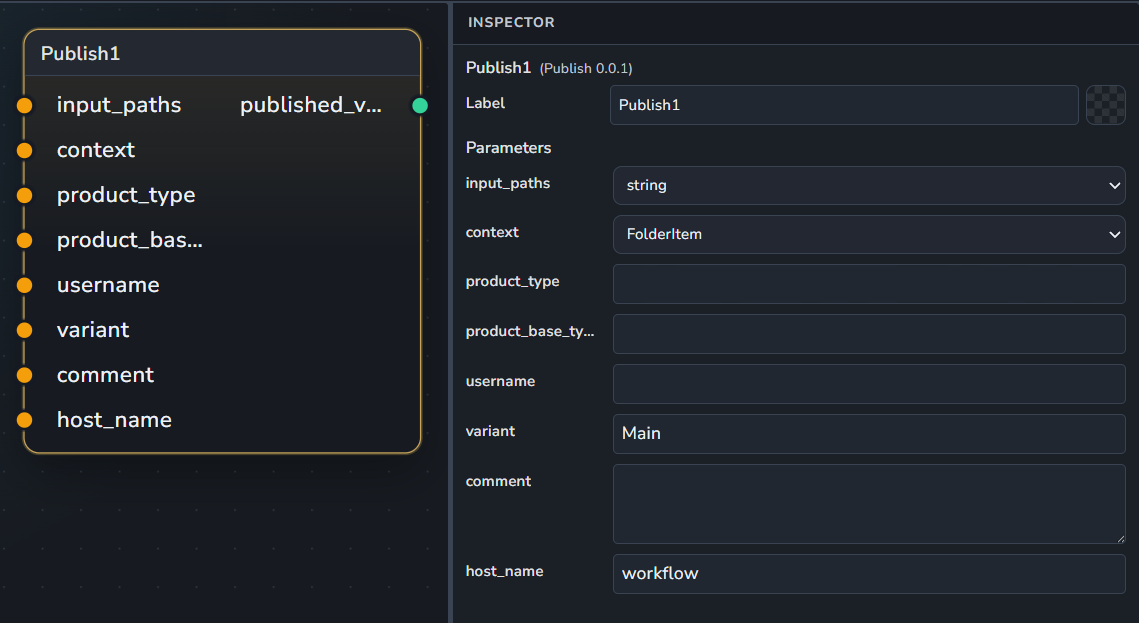
Inputs:
input_paths: The files or media to be published. Supports multiple connections.
context: The AYON context where the item will be published.
product_type: The type of the product.
username: The name of the user performing the publish.
variant: The product variant name (Default: "
Main").comment: An optional description of the changes.
Outputs:
published_version: The resulting version item in AYON.
Representation
Prepare a representation for publishing.
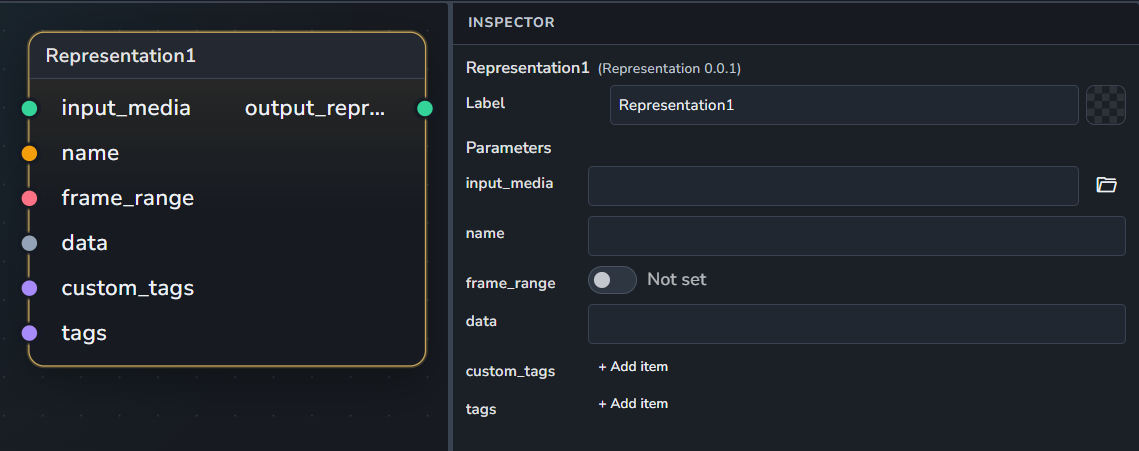
Inputs:
input_media: The file path of a content to be published.
name: The representation name
frame_range: The representation frame range.
data: The raw representation dict data.
custom_tags: The representation custom tags.
tags: The representation tags.
Outputs:
output_representation
SetEntityWatchers
Set entity watcher(s) to an AYON context item.
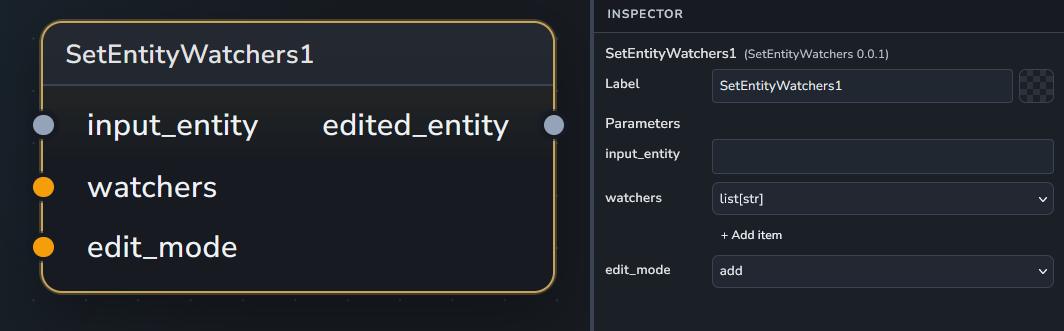
Inputs:
input_entity: An AYON entity.
watchers: A list of watchers to set.
edit_mode: The mode used to edit watchers.
Outputs:
edited_entity: The entity with watchers set.
TaskContext
Gather a valid AYON task context.
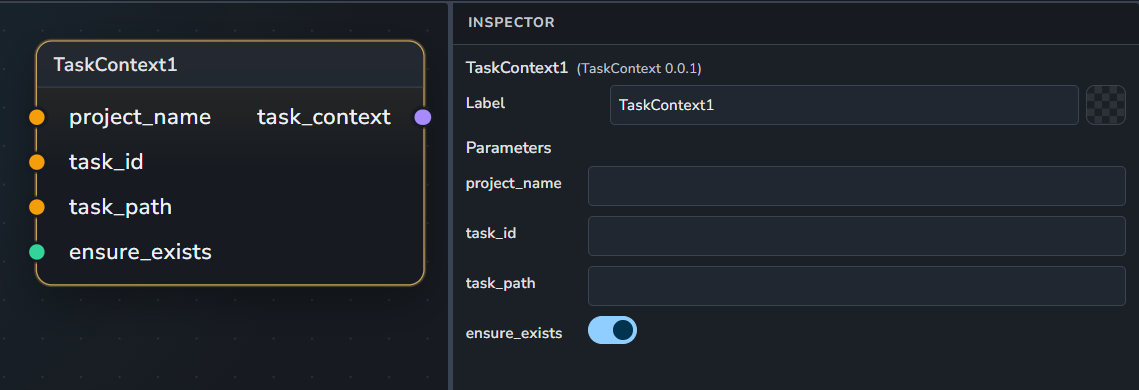
Inputs:
project_name: The project name.
task_id: An optional task id.
task_path: An optional task path.
ensure_exists: Assert context existence.
Outputs:
task_context
UI Test
A utility node used to display and test all supported UI widgets.
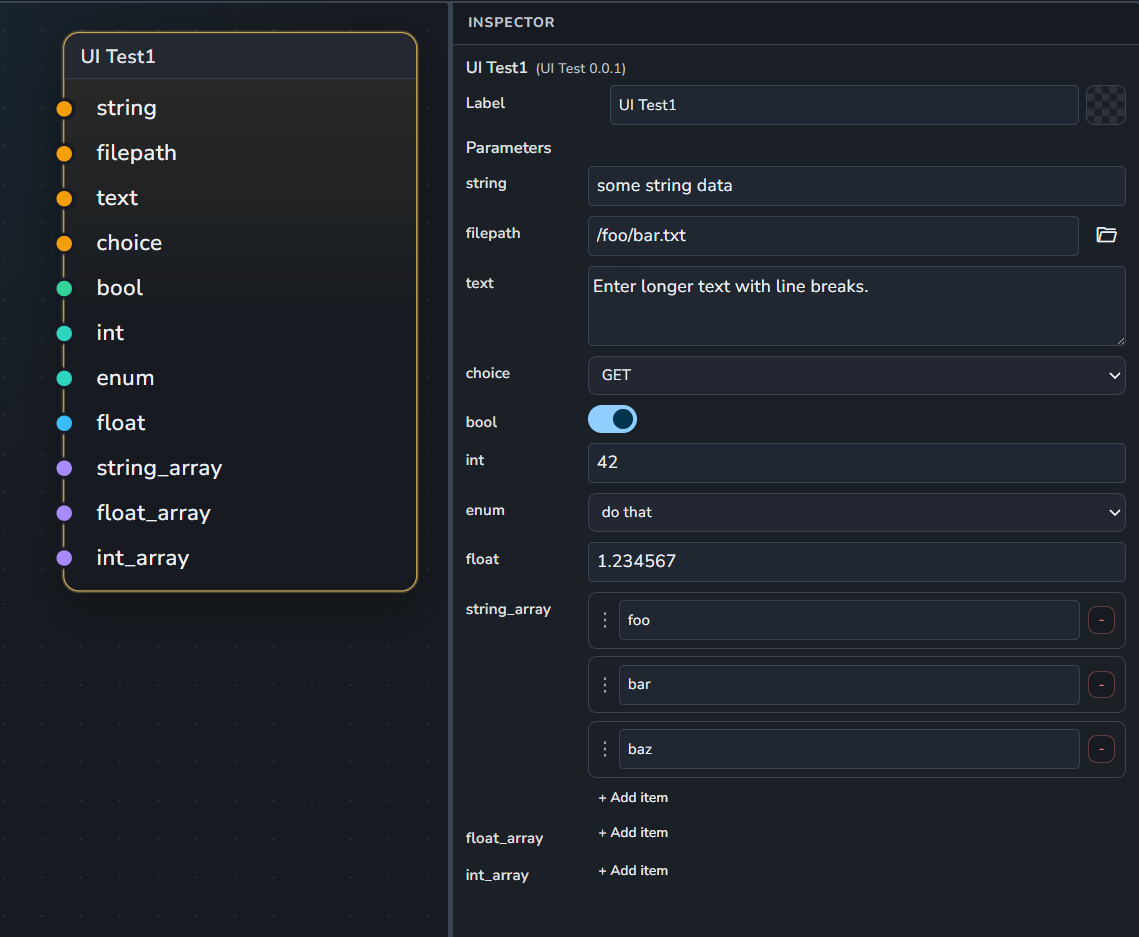
Inputs:
string: A basic string input.
filepath: A file selection widget.
text: A multi-line text input widget.
choice: A dropdown menu with preset options (GET, POST, etc.).
bool: A toggle/binary checkbox.
int: A numerical integer input.
enum: A selection list widget.
float: A decimal numerical input.
string_array: A list of strings.
float_array: A list of floats.
int_array: A list of integers.
Outputs:
None
Video
Defines a path for a video file, whether it exists on disk yet or not. Inputs:
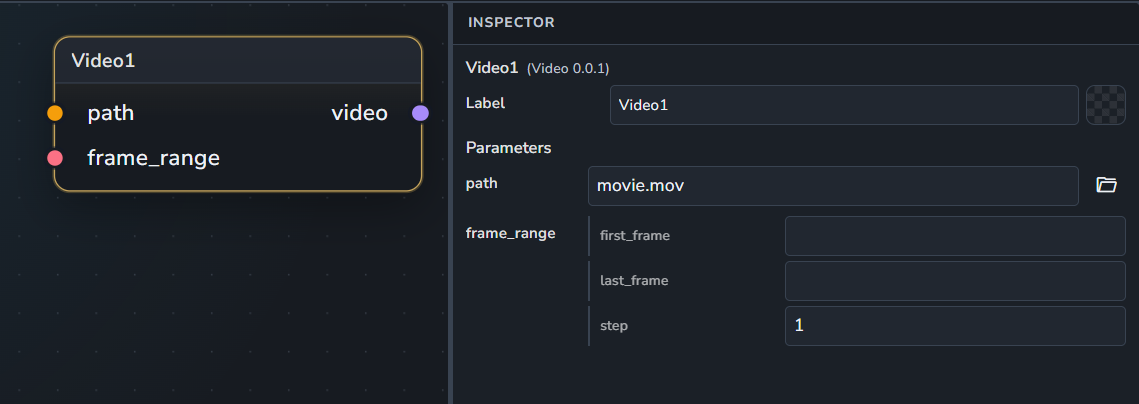
path: The file path to the video (Default: "
movie.mov").frame_range: The frame range associated with the video.
Outputs:
video: The defined video.
Workflow Dispatch Groups
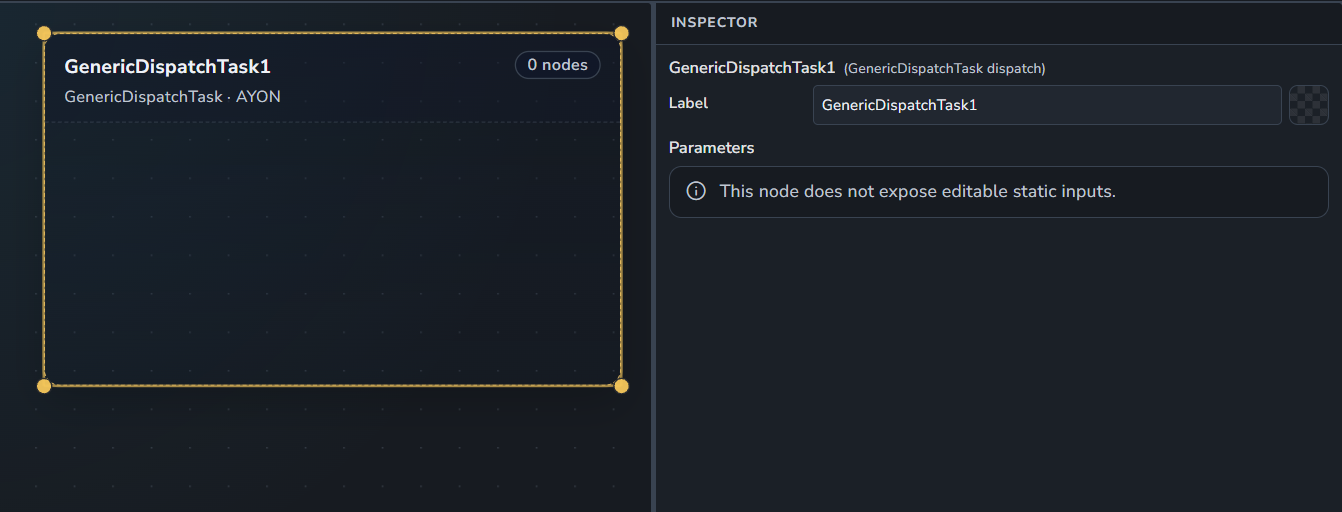
Generic Dispatch
A Generic Dispatch group dispatched to AYON.
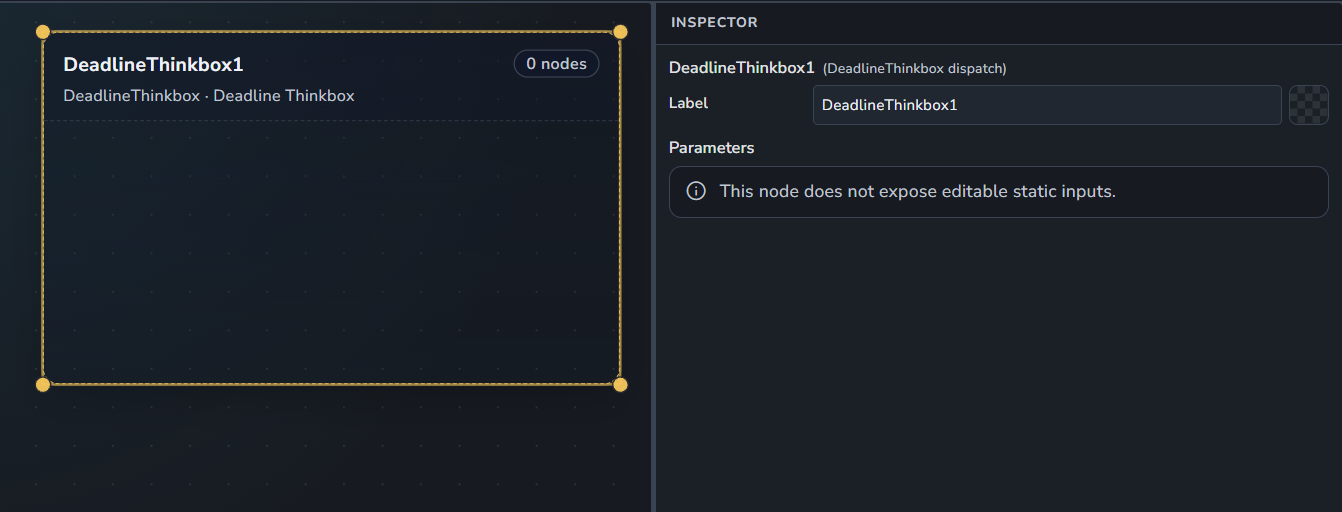
Deadline Dispatch
A Deadline Dispatch group dispatched to Thinkbox Deadline Farm.
Royal Render Dispatch
A Royal Render Dispatch group dispatched to Royal Render Farm.