Working with Kitsu in AYON
Last updated Over 1 year ago
Login to Kitsu in AYON Tray
Launch AYON, the
Kitsu Credentialswindow will open automatically, if not, or if you want to log-in with another account, go to systray AYON icon and click onKitsu Connect.Enter your credentials and press Ok:
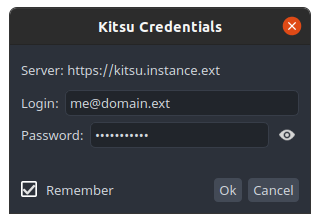
In Kitsu, All the publish actions executed by pyblish will be attributed to the currently logged-in user.
Integrate Kitsu Note and Review
If they are enabled in Kitsu addon settings.
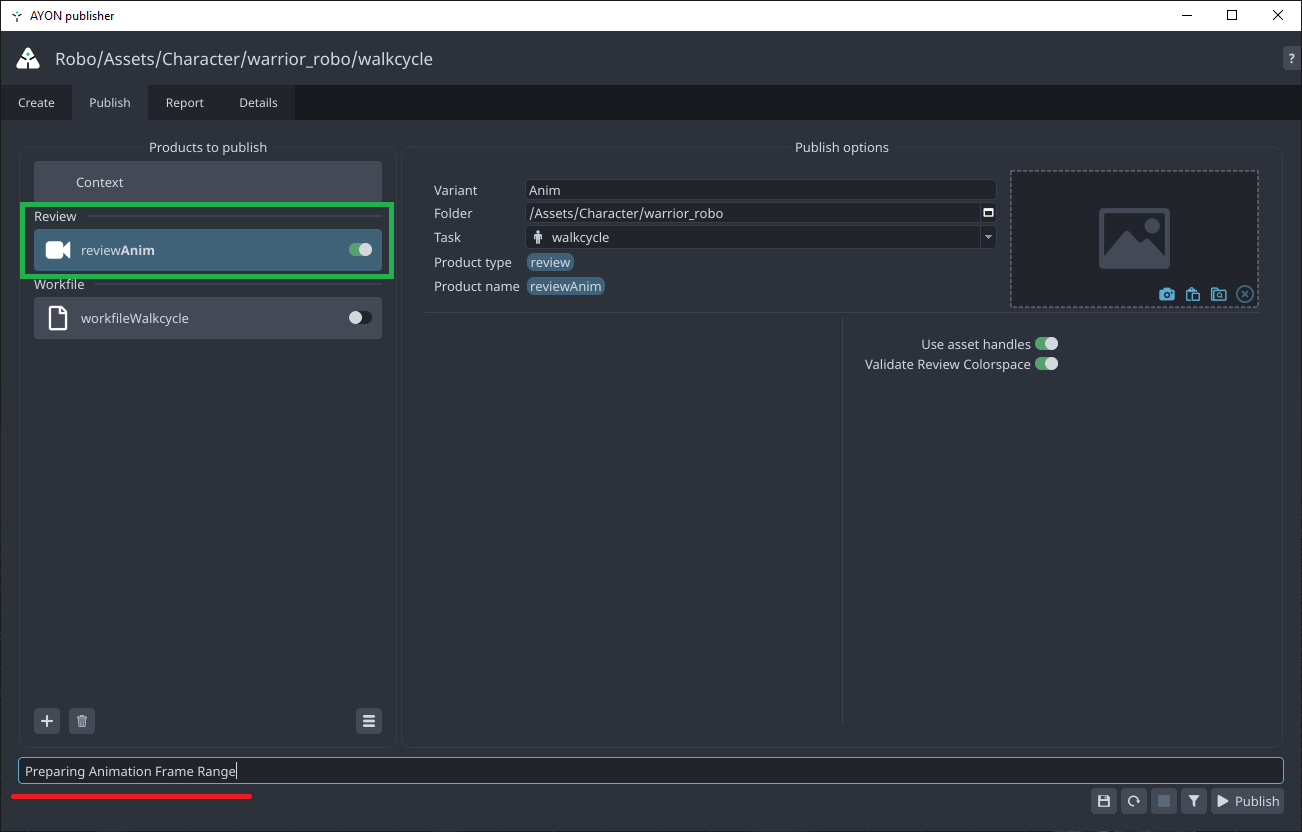
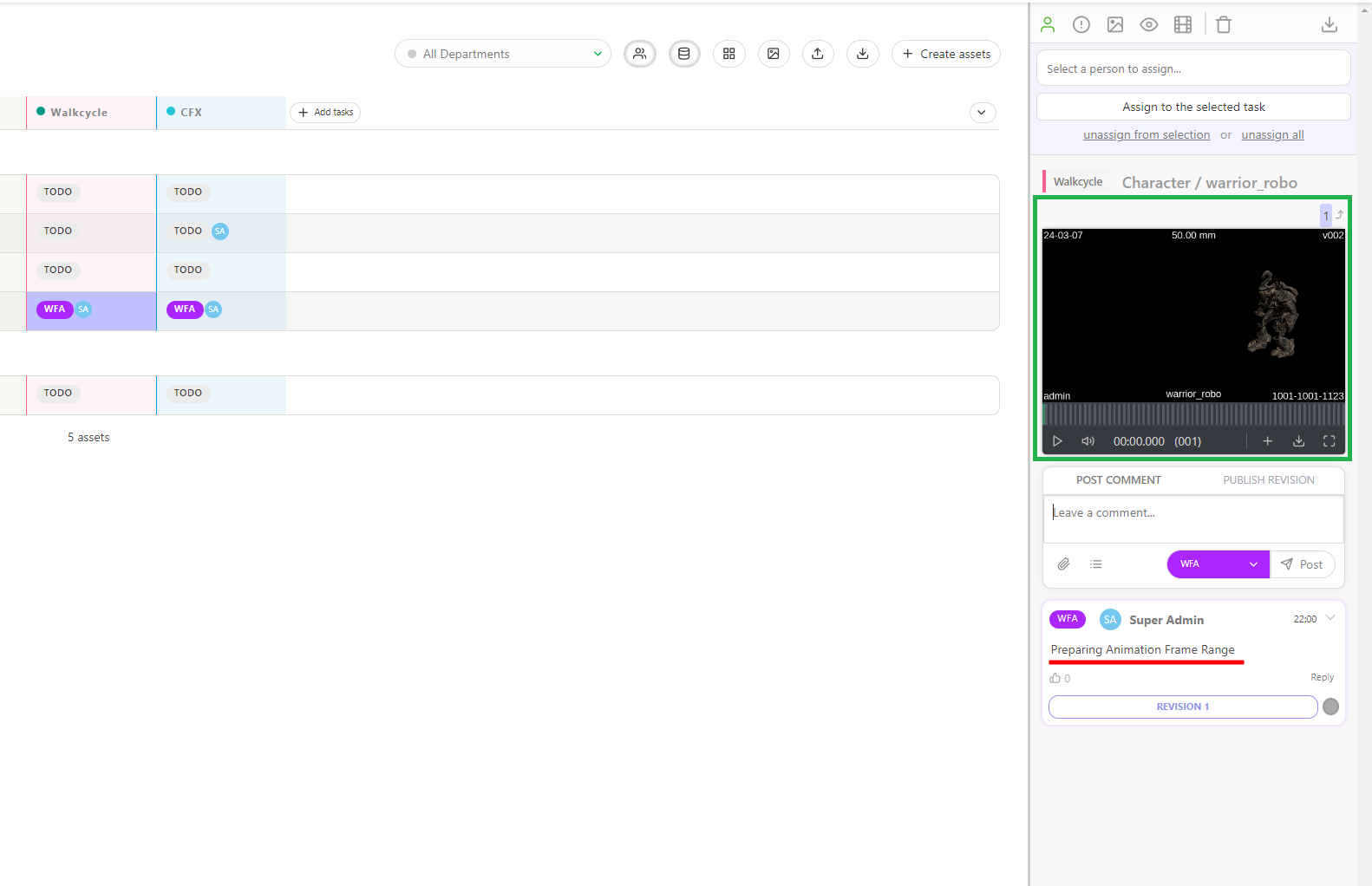
Your publish comment will be used as Kitsu note.
When publishing a Review or Render, publisher can upload them to kitsu.
Notes:
Depending on the kitsu addon configuration, publisher also can update the task status.
Admins are able to configure
Custom Comment Template, learn More.
Publish Comment | Kitsu Note and Review |
 |  |