Batch Ingest
Last updated 6 months ago
The Batch Ingest is a premium addon included with the Studio and Pro subscriptions.
Overview
Batch Ingest addon scans a given directory, detect file names that matches your pattern in settings and publish these files.
The patterns are set in settings:
ayon+settings://batchingest/pattern_to_product_typeayon+settings://batchingest/extensions_to_product_type
Using Batch Ingest
 |  |
Publish Steps:
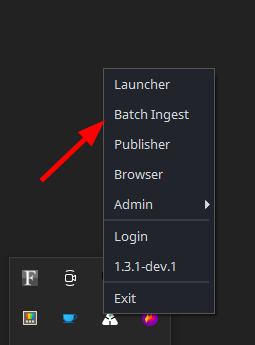
open Batch Ingest from Tray
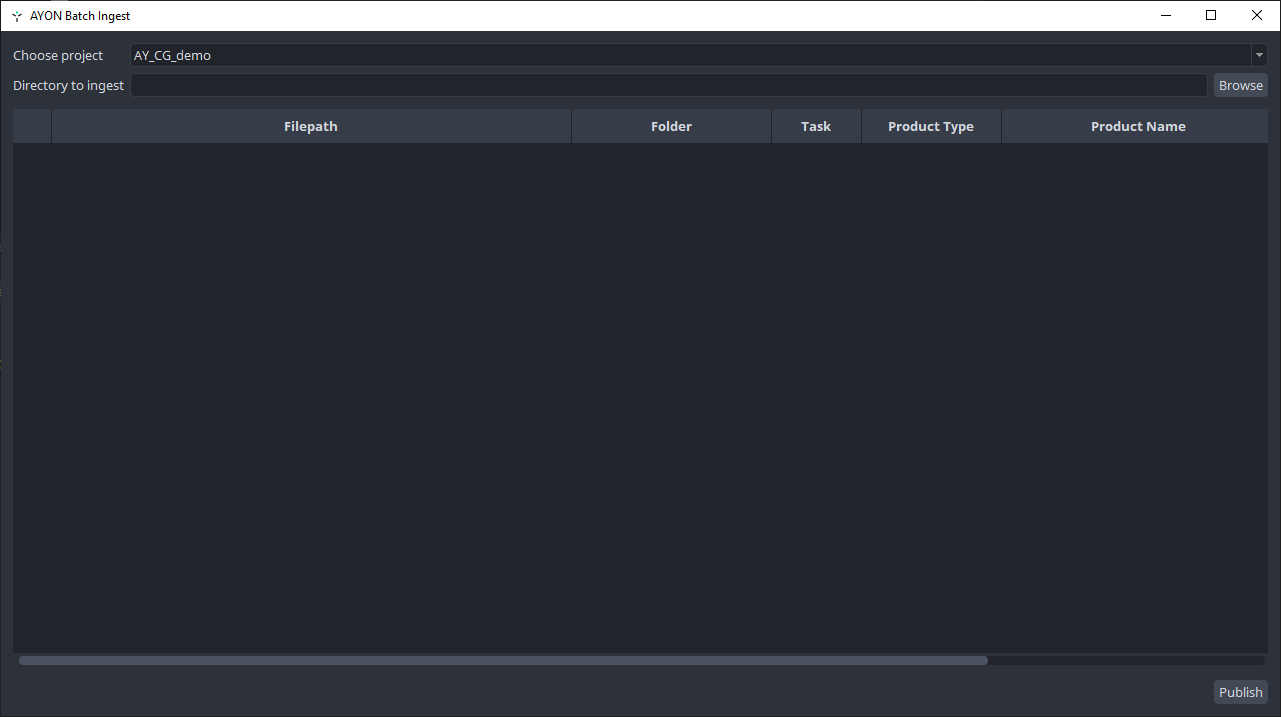
select project
select folder you want to ingest
select context by double clicking inside Folder of single file
you could copy content of cell by right mouse click and
Copy selected textthen select multiple cells of same type and
Paste text into selected cellsyou could update
Product type(and copy&paste)update
guessedvalues inProduct Name,Representation,VersionandCommentpublish starts by
Publishbutton