Getting Started with AYON: Cloud-hosted
A simple, step-by-step guide designed to get you up and running without any technical headaches. Learn how to launch your own dedicated AYON workspace using Ynput Cloud in just a few clicks, choose the right subscription plan, and easily manage your user seats and billing from a single central dashboard.
Last updated 8 days ago
What is Ynput Cloud?
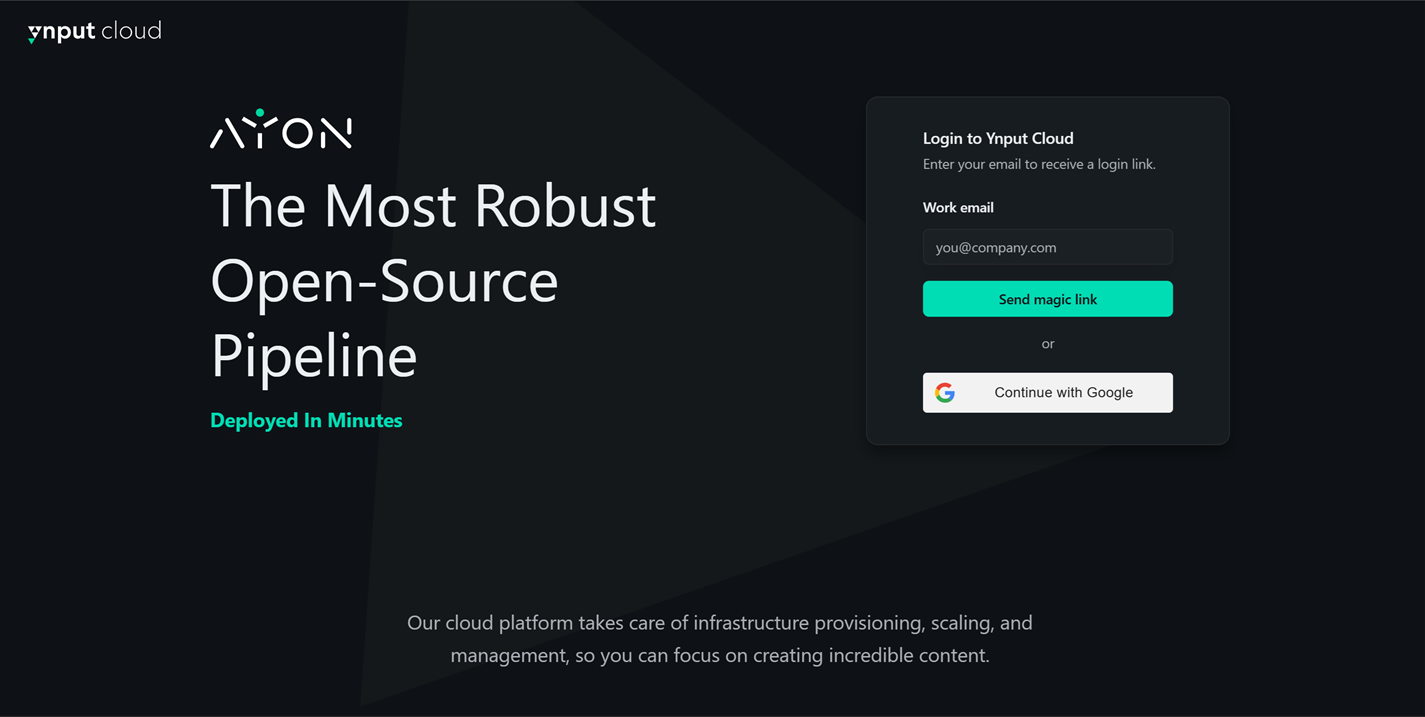
Ynput Cloud is your easy gateway for managing AYON subscriptions and launching AYON workspaces using Ynput’s Cloud-hosting. Instead of configuring complex server hardware on your own premises, you can deploy a fully functioning, secure AYON workspace in just a few clicks on the cloud.
The platform uses a simple hierarchy to help manage your studio:
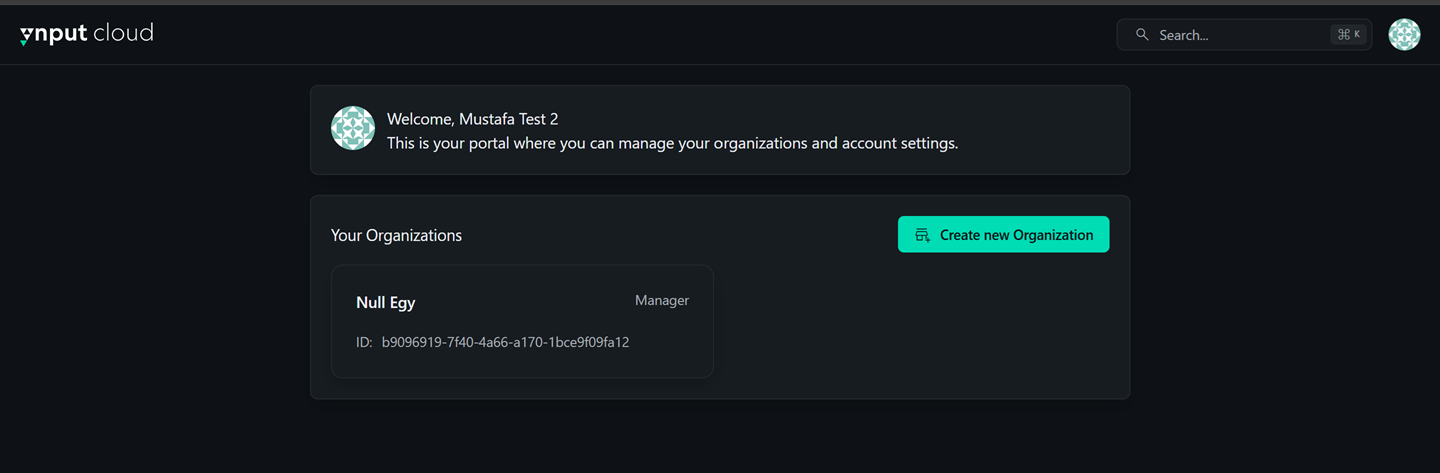
Organizations: An Organization represents your studio or entity. You can create a brand new organization or be invited to join an existing one by your team.
AYON Workspaces: Underneath your organization, you can spin up individual AYON workspaces.
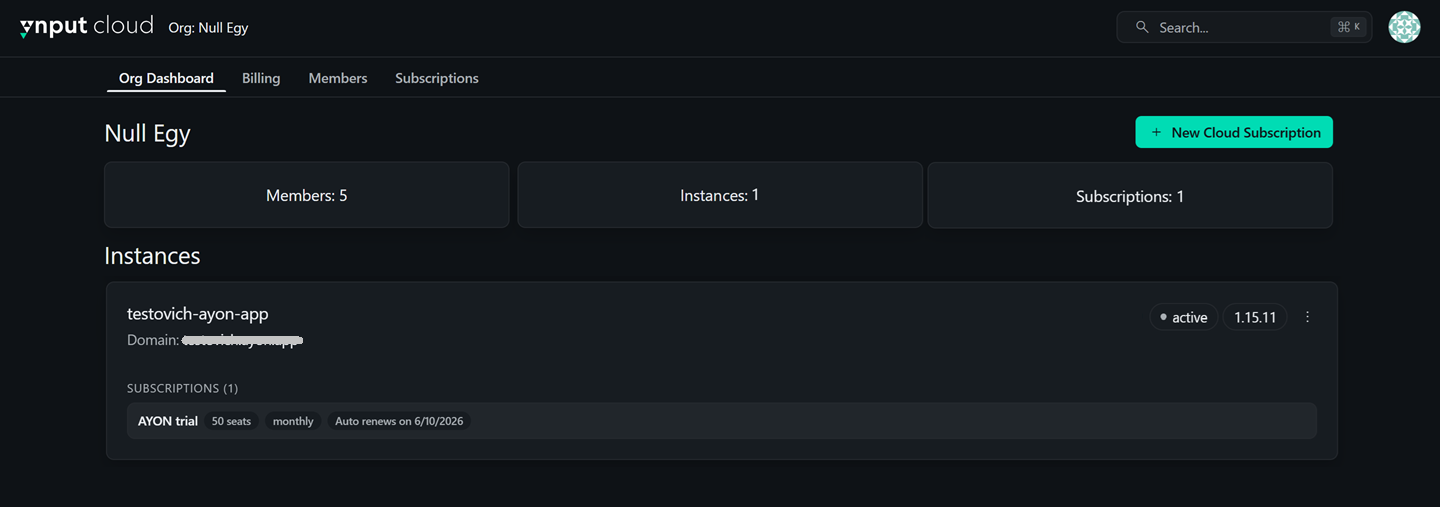
As a member of an organization on Ynput Cloud, you can invite teammates to help manage your organization, adjust subscription tiers, and oversee billing from a single central dashboard.
Why Choose Ynput Cloud?
Zero Technical Setup: Get a production-ready secure AYON Workspace up and running in minutes with just a few clicks.
Hands-Free Management: The Ynput team handles automatic software updates, server maintenance, and backups behind the scenes.
Flexible & Scalable Infrastructure: Built on a dynamically shifting cloud framework. If your studio experiences an unexpected surge in traffic—like 50 artists simultaneously uploading heavy review files at wrap time—the server automatically flexes its muscles to guarantee a smooth, lag-free experience.
Built-in Security: Every workspace is fully isolated on a custom, secure domain protected by industrial-grade HTTPS encryption.
Onboarding Support: Annual subscriptions include 4 hours of dedicated technical support during your first month to ensure smooth onboarding, helping you configure your AYON workspace and validate your pipeline setup out of the gate.
Step-by-Step Cloud-hosting Deployment
Sign Up or Log In: Head over to Ynput Cloud and create your account if you haven't already.
Create or Select Your Organization: Choose an existing organization from your dashboard or click Create New Organization to open a pop-up and pick a fresh name for your studio space.
Initialize Your AYON Workspace: Click Start Free Trial to spin up a 14-day evaluation workspace, or select Add New Cloud Subscription to create a custom commercial workspace right away.
Fill In Your Workspace Details:
For Free Trials: Select your country, provide your studio address, and pick your unique Domain Name (which will become your login address:
your-domain.ayon.app).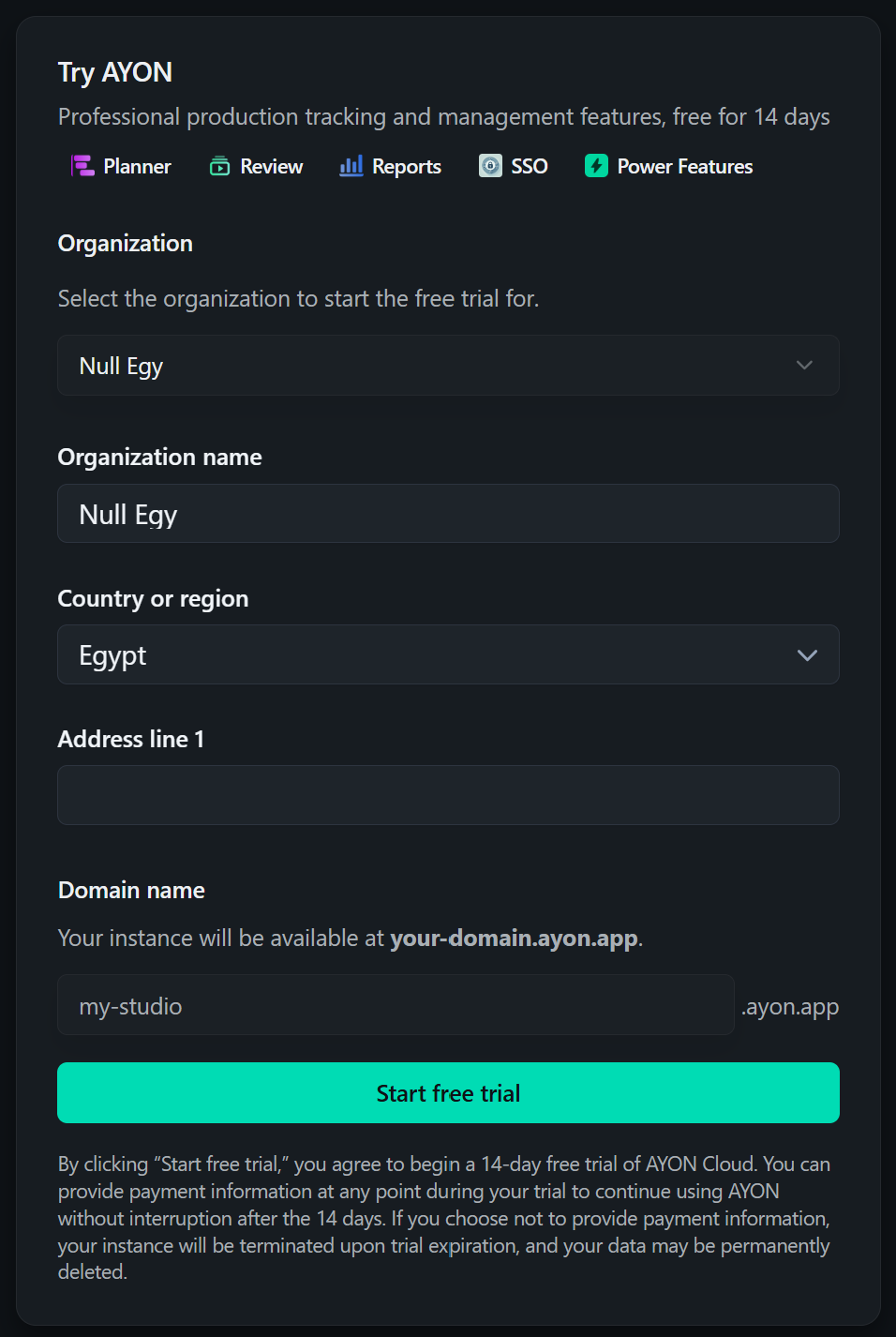
For New Subscriptions: Select your preferred hosting cloud region, pick your domain name, choose your payment period (Yearly or Monthly), select your base plan (AYON Pro or AYON Studio), and toggle any premium addons you need. Finally, choose your billing type (Stored Payment Method or Invoice).
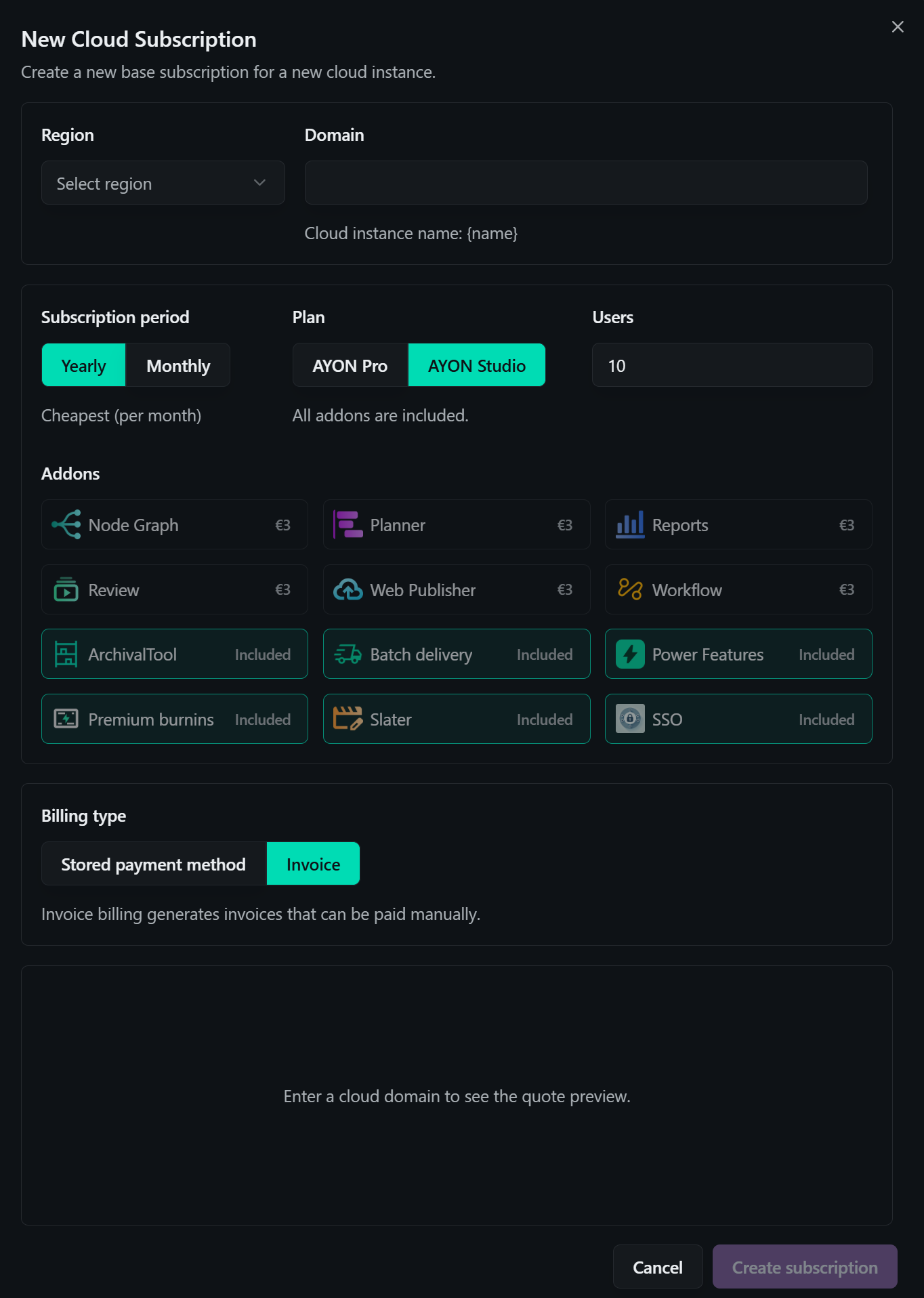
Go to Your Workspace: Once the server finishes setting up, click your unique link and log right into your fresh web dashboard!
Things you can do on Ynput Cloud after deployment:
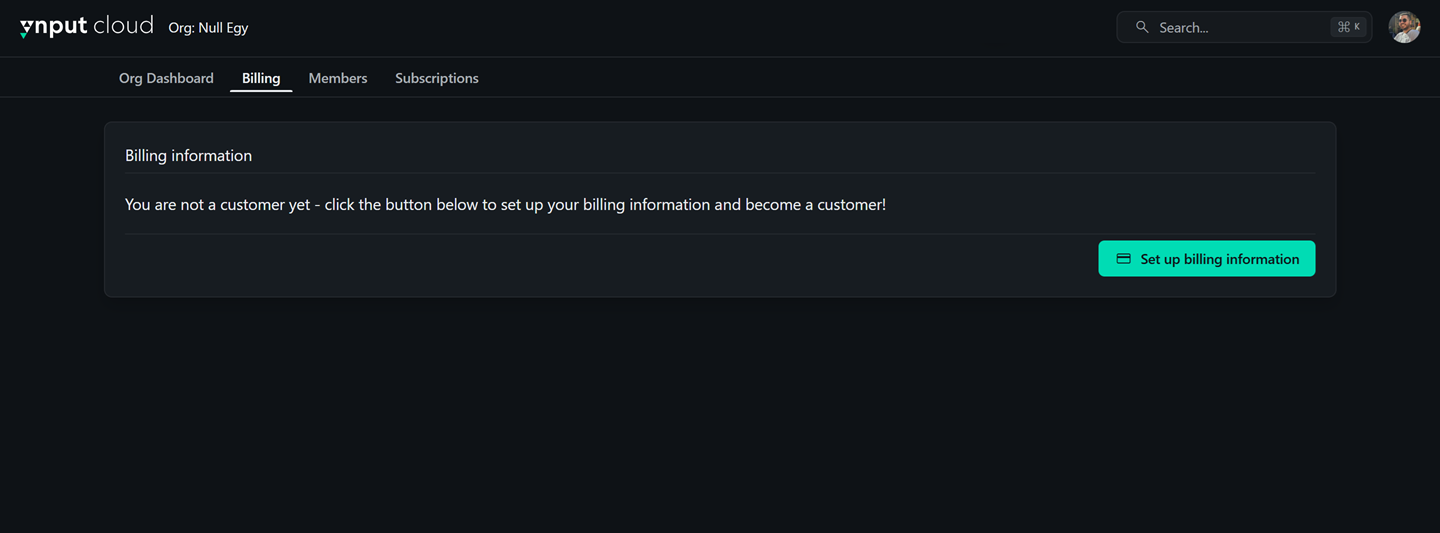
Configure Billing Info: Set up your credit cards or payment preferences in the billing section for seamless subscription renewals.
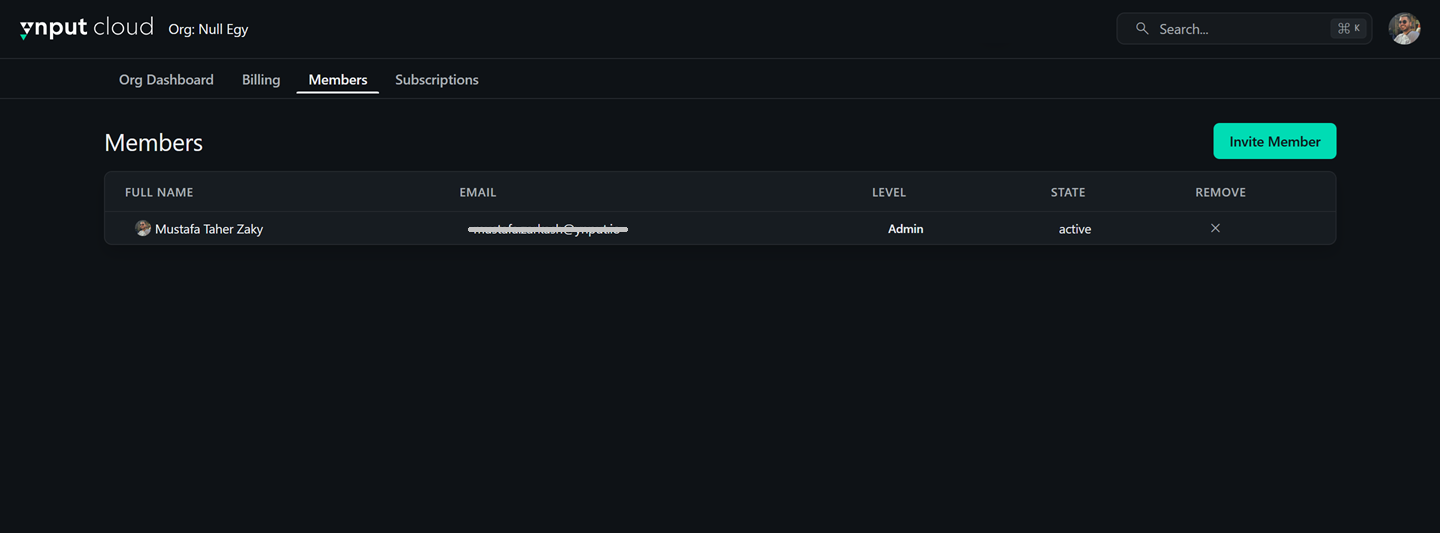
Invite Team Members: Invite your production managers or technical leads to your Ynput Cloud organization so they can help you manage seats, addons, and subscriptions.
Modifying Your Subscription On the Fly
As your project grows, you can adjust your subscription details instantly from your Ynput Cloud dashboard.
Adding More Seats
Log into your account on Ynput Cloud and select your organization.
Navigate to the Subscription or Billing tab.
Click Manage Seats (or Update License Pool) next to your active AYON Workspace.
Increase your seat count and save. The new slots become available immediately inside your AYON Workspace's User Settings page.
Activating Premium Addons (Pro Plan)
If you are on the Pro Plan and need to expand your toolset:
Under your Ynput Cloud organization page, select your subscription.
Browse the marketplace listing of available premium addons (such as Web Publisher or Planner).
Click Add next to the desired addon to instantly activate its license for your AYON Workspace.
Important Production Considerations
Backups: Fully automated. Your project databases and tracking states are backed up regularly by our infrastructure team, ensuring your production history is safe.
Storage Limits: If your studio outgrows your baseline limits, you can easily purchase additional 500 GB media storage blocks directly from your billing tab on Ynput Cloud.
Workspace Updates: Handled cleanly by the Ynput team. Updates are scheduled in advance, and your studio will be notified ahead of time so it doesn't disrupt work hours. If an update ever conflicts with an older custom studio tool, our team can help you easily roll back to a previous version.
Uploading Custom Addons: For strict security and stability reasons, uploading raw, custom-coded Python addons directly to the cloud dashboard is disabled by default. If your pipeline TD has built a bespoke tool that your studio needs to run on the AYON Workspace, simply contact our support team to have it securely reviewed and enabled.
Workspace Logs: If you need to trace an error or check pipeline actions, basic logs are accessible directly through the Event Viewer page inside your AYON Workspace. For deeper, infrastructure-level system logs, please drop a message to our support desk.
Next Steps
Once you have logged into your new AYON Workspace, jump right into our Getting Started with AYON on Ynput Cloud: A Complete Studio Walkthrough guide to see how to setup your workspace and start your production.
FAQ
Can I have an AYON subscription without hosting on the cloud?
Yes, absolutely! AYON is a fully open-source platform, giving your studio complete flexibility to self-host it entirely on your own local hardware. You can purchase a commercial subscription and easily connect it directly to your self-hosted AYON Workspace to unlock premium features, while keeping your server infrastructure fully under your own control.
For more information about self hosting, please refer to AYON Server Local Deployment
What subscriptions does AYON provide?
AYON provides two main commercial plans: AYON Pro and AYON Studio.
AYON Pro is designed to cover your daily production needs, giving you robust core features alongside our foundational pipeline tools.
AYON Studio provides the complete, unrestricted AYON experience with all premium features and addons unlocked out of the box for advanced, large-scale workflows.
To see a full feature comparison, check out current rates, or calculate exact costs for your team size, please visit the official AYON Pricing Page.
How do User Licenses (Seats) work?
An AYON subscription includes a pool of “seats” that dictate how many people can actively log into your AYON Workspace.
AYON operates on Fixed Seats. You purchase a specific number of seats (e.g., 20 seats) for your team, and you can freely assign, reassign, or swap these seats between different team members as your project staffing and studio requirements shift.
For information about User License, please refer to AYON Licenses.
Is my Ynput Cloud login the same as my AYON Workspace login?
No. Think of your Ynput Cloud account as your master business key. It is used strictly by producers or TDs to manage billing, buy seats, and check workspace status. Your AYON Workspace account is your actual daily workspace where artists and managers log in to track tasks, launch software, and publish creative work.
What exactly is the server storage space used for?
Your server storage is used for any files hosted directly on your AYON Workspace. This includes the launcher installers, pipeline addons, dependency packages, asset thumbnails, and any review videos uploaded straight to the web browser interface.
Does Ynput Cloud collect my production data?
No. Ynpuy Cloud doesn’t collect production data but anonymous server settings and system metrics.
This is to help improve performance and guide future development. This happens whether you are hosting on our cloud or on your own premise. We never collect, track, or look at your actual creative assets, filenames, or artwork.
Was this helpful?
Still need help? Ask the team