Create Versions Without a Pipeline
Last updated 7 months ago
Overview
AYON allows you to leverage its production tracking capabilities independently. You can upload reviewable versions directly through the web UI without the need for AYON pipeline tools or DCC integrations.
Currently, this feature is limited to uploading reviewables. For specific details on how these files are handled, please refer to the Important Considerations section below.
Upload a Version
Drag & Drop
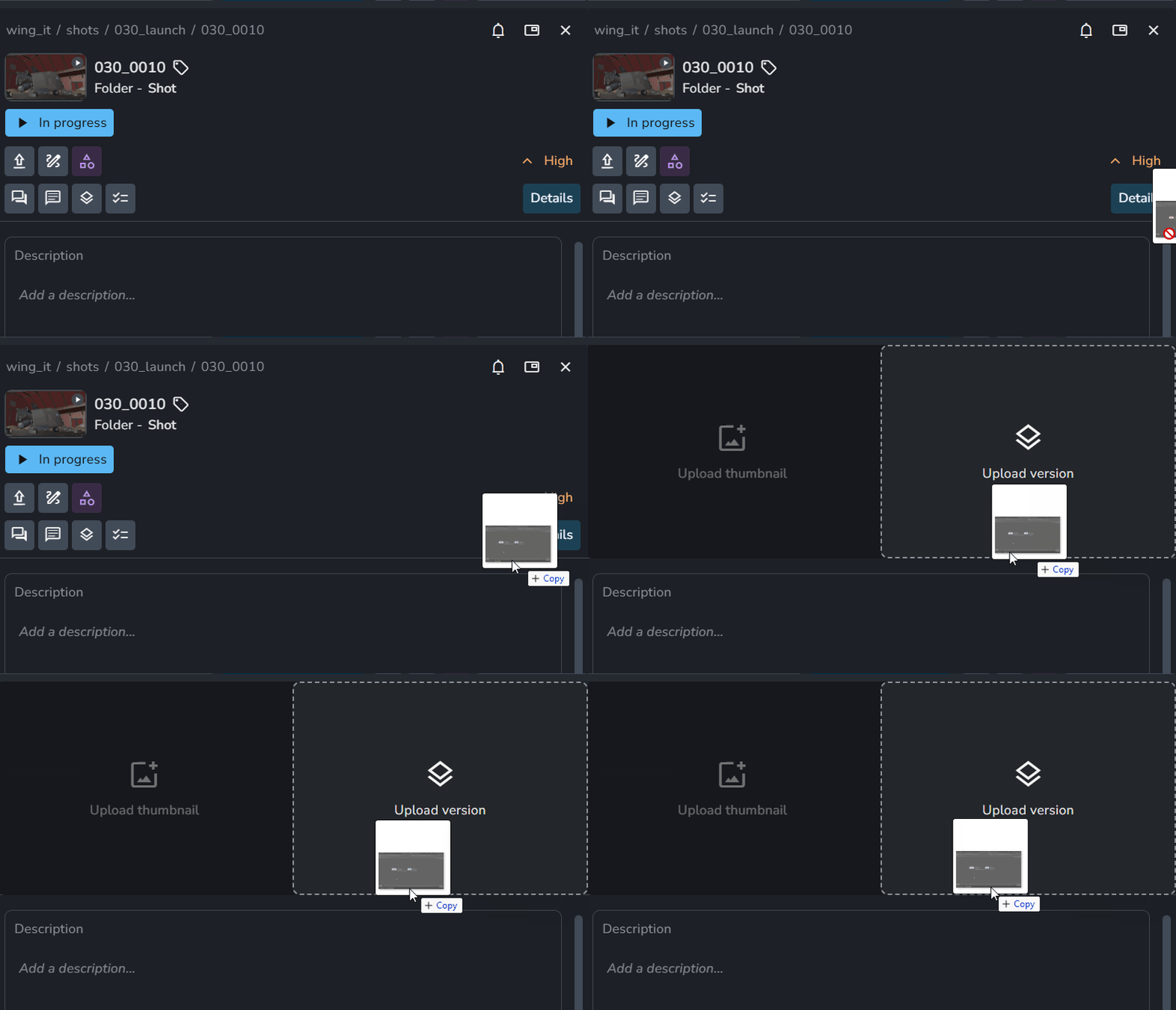
You can upload versions by dragging and dropping files directly into The Details Panel of a folder, task, product, or version.
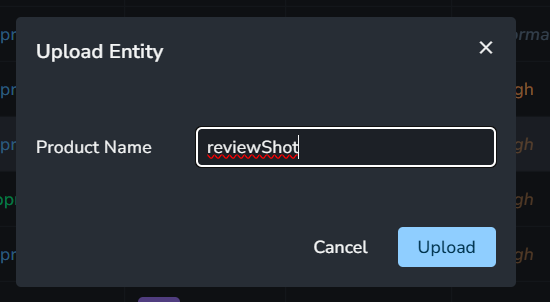
Upload Version: Drag the file into the panel > Enter the Product Name when prompted.
Upload Thumbnail: Use the same method to upload or update thumbnails for folders, tasks, products, or versions.
Use Upload Version Button
As an alternative to dragging and dropping, you can use the Upload Version button found in the right-click context menu two areas:
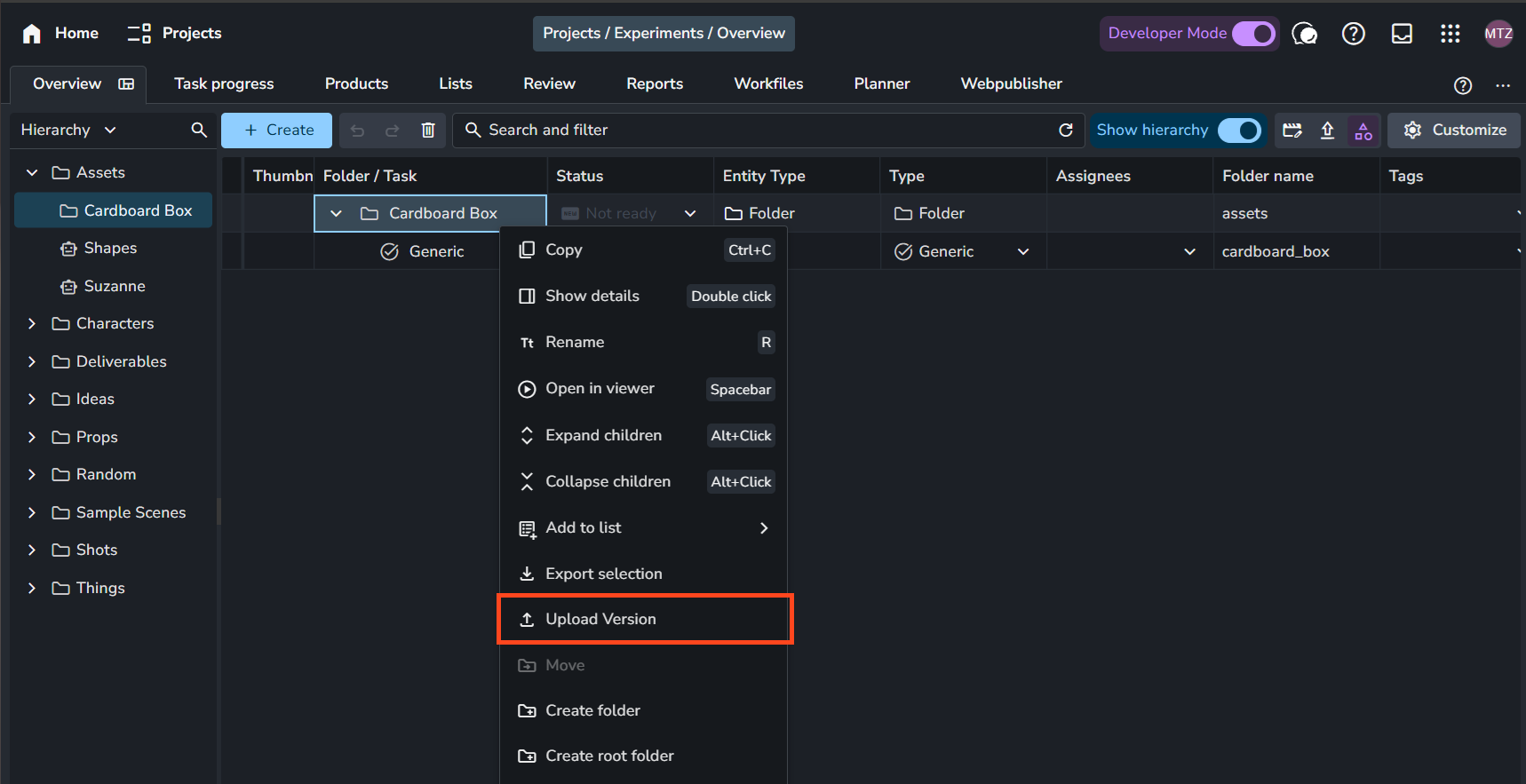
The Project Overview Page: Right-click a folder or task. If the product does not exist yet, this process will create the product and upload the new version beneath it
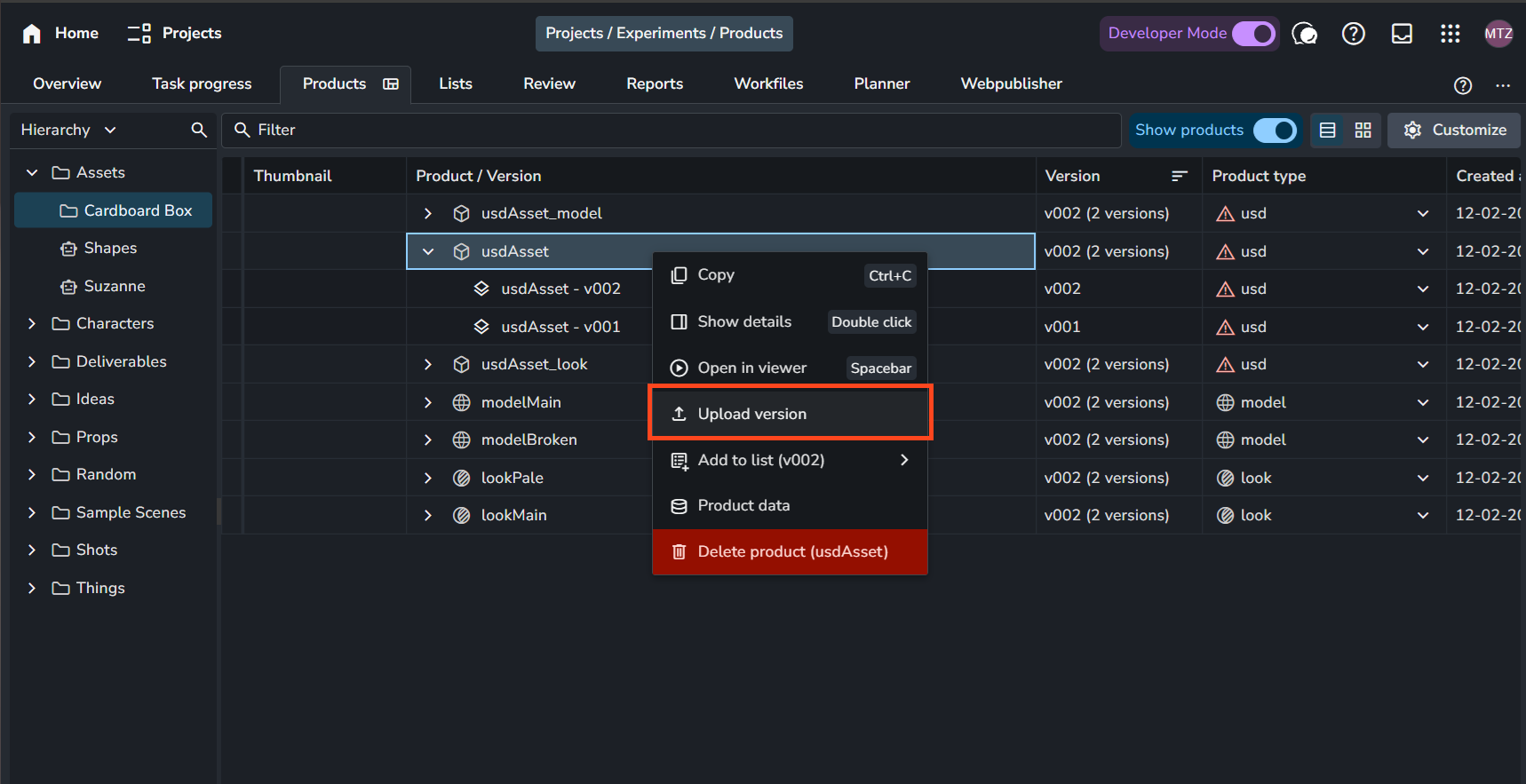
The Products and Versions Page: Right-click a product or version to upload new versions to existing products.
The Upload Version Dialog
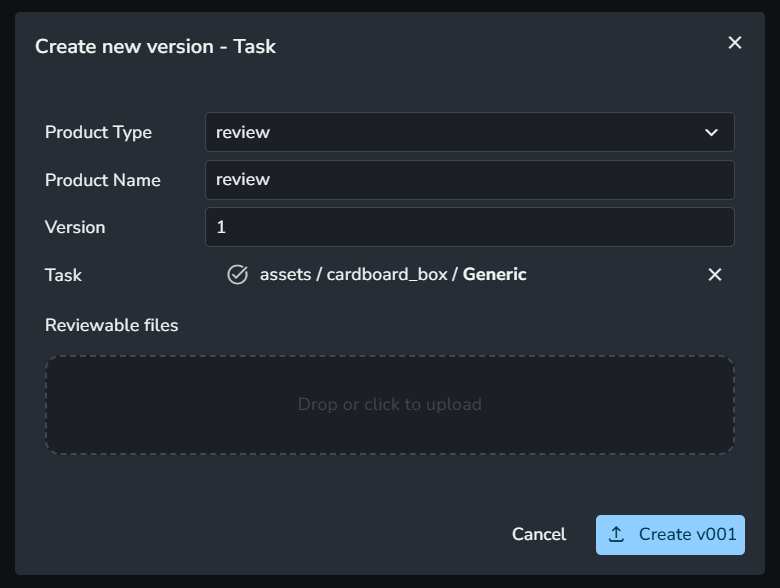
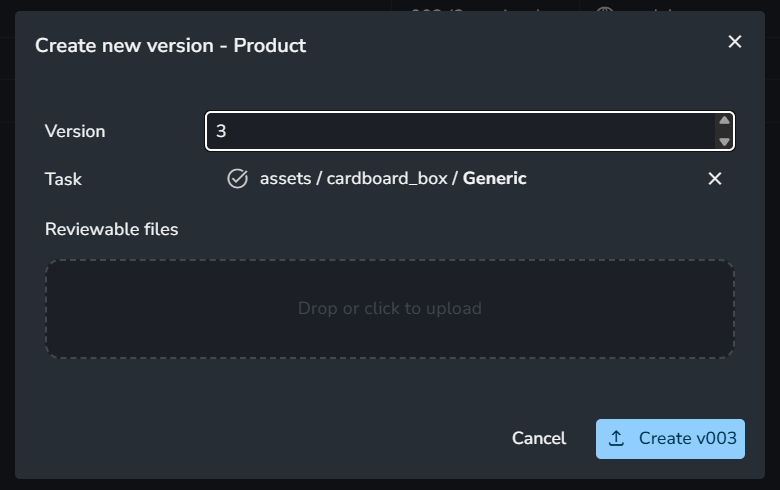
A dialog will appear where you’d need to explicitly specify:
Product Information: Product type and product name.
Version Number: The specific version number for this upload.
Reviewable Files: The actual media files to be uploaded.
When the button is triggered from the Products Page, the product type and name are automatically derived from the selected product.
 |  |
Delete a Version
In the Products and Versions Page, you can remove a product version by right-clicking a version and selecting "Delete Version."
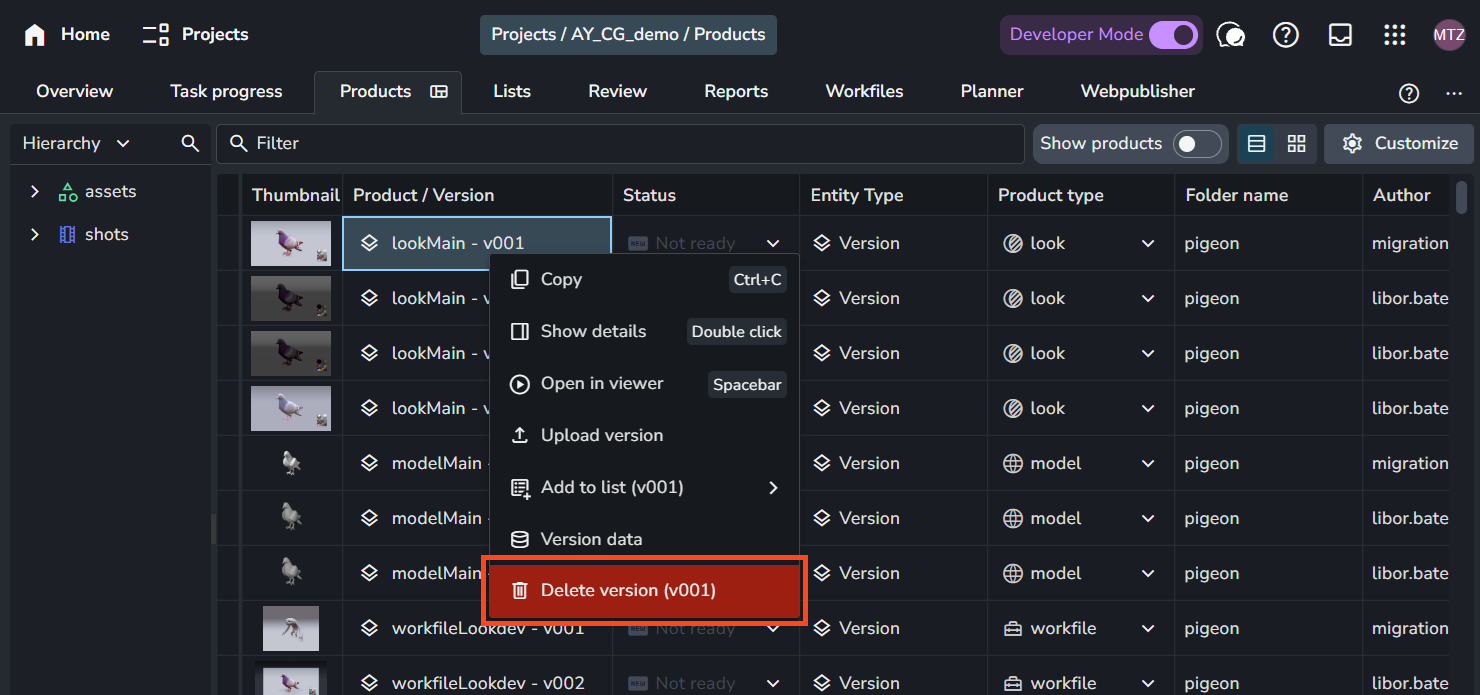
If the version you are deleting is the only version for that product, consider deleting the product after deleting the version.
Important Considerations
Server-Side Reviews: Uploading versions is independent of the pipeline. It does not require local installations or addons; all uploads are processed directly and stored on the server.
Files uploaded via the web UI are stored on the AYON Server storage, not the local or network pipeline storage defined in your Project Anatomy. Therefore, they cannot be accessed or loaded via AYON pipeline tools within your DCCs (e.g., Houdini, Maya). To save versions to your pipeline storage, use the Tray Publisher or Web Publisher. See Working with AYON Tray Publisher and Web Publisher.
Review Optimization & File Types: This feature is specifically designed for browser-based review. While you can assign various product types (such as
render), the system is optimized for visual review formats. To ensure smooth playback within the AYON web interface, files must be optimized for the web. Please check the Default File Support for a list of valid formats and recommended encoding settings.