How to update an Addon
AYON addons do not update automatically and must be downloaded and installed by your admin.
Last updated About 1 year ago
AYON offers complete control over your production pipeline, letting you customize it precisely. We understand the need for a stable workflow, so you decide when to install new addon updates.
Updating an addon
Updating an addon requires two specific steps.
Download and install the addon from the AYON Market.
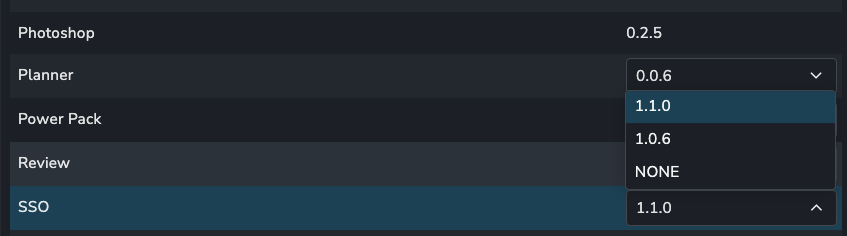
Include the new addon version in a production bundle on the Bundles & Addons page.
Marketplace
All official addon updates can be downloaded from the marketplace.
Ensure AYON is connected to Ynput Cloud (free).
As an admin navigate to the Market page from the menu or use double tap the M key.
Search for a specific addon to update or filter the addons by updates available.
Click the update button to download to latest version or use the dropdown to pick a specific version.
Restart the server to ensure the new version is installed to the server.
Update your production bundle to include the new addon version.
Bundles
Server Addons
Addons that do not affect the pipeline can be have their version updated in your production bundle directly.
Pipeline Addons
Addons that do affect your pipeline cannot be updated directly to a bundle and must added in a new bundle.
Was this helpful?
Still need help? Ask the team