Kitsu Addon Settings
Last updated About 2 months ago
General Settings
Setting Locations:
ayon+settings://kitsu/server
ayon+settings://kitsu/login_email
ayon+settings://kitsu/login_password

Kitus Server: URL of the Kitsu server.
Kitsu user email: Select email secret from AYON Server Secrets list.
Kitsu user password: Select password secret from AYON Server Secrets list.
Publish plugins
Collect Kitsu Family
Setting Location:
ayon+settings://kitsu/publish/CollectKitsuFamily
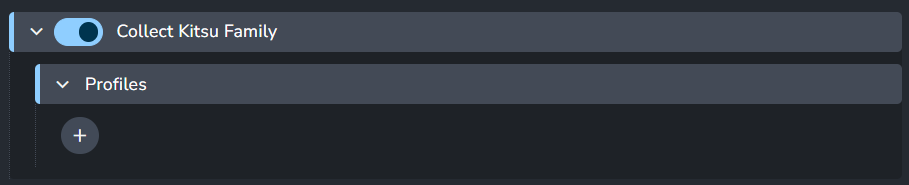
Reviews uploads to kitsu could be configured by combination of hosts, families and task names.
Profiles
+ : Add a profile.
Each profile includes:
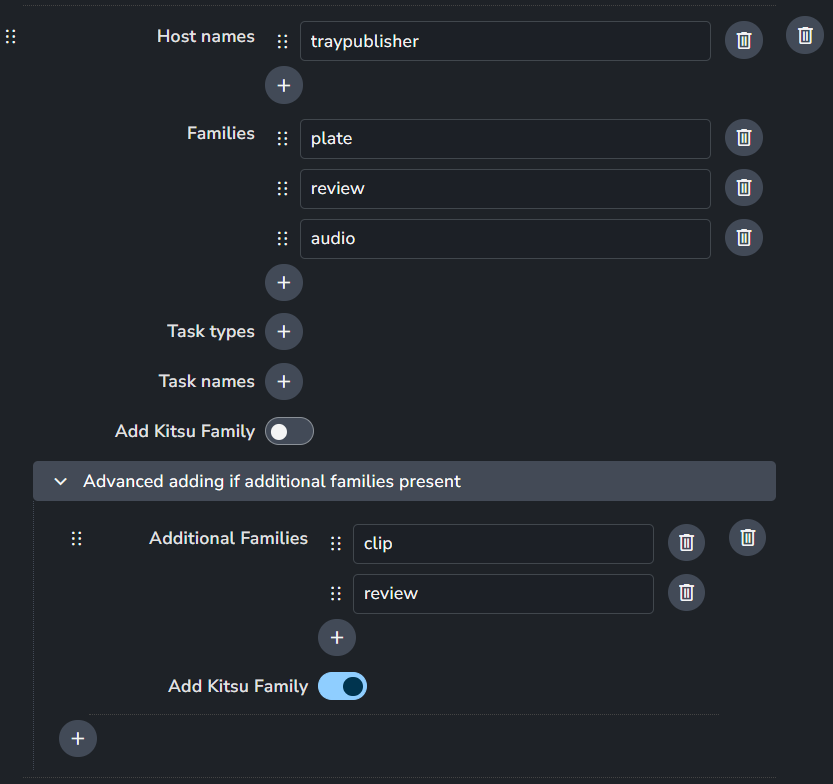
Profiles are used to select when to addkitsufamily to the instance. One or multiple profiles could be configured, Families, Task names (regex available), Host names combination is needed.
Eg. If I want review created and uploaded to kitsu for render published from Maya , setting is: Host names: 'maya' Families: 'render' Collect kitsu Family: enabledAdvanced adding if additional families present
In special cases adding 'kitsu' based on main family ('Families' set higher) is not enough. (For example upload to kitsu for 'plate' main family should only happen if 'review' is contained in instance 'families', not added in other cases. )
Integrate Kitsu Note
Setting Location:
ayon+settings://kitsu/publish/IntegrateKitsuNote
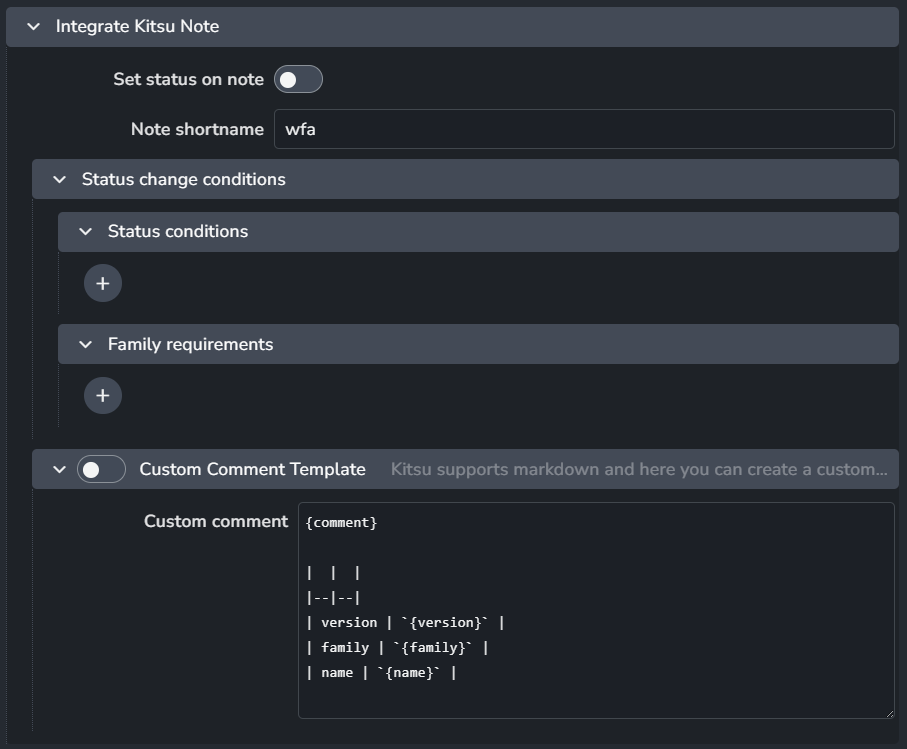
Set task status automatically during publish.
Set status on note: Turns on and off this integrator.
Note shortname: Which status shortname should be set automatically (Case sensitive).
Status change conditions: Conditions that need to be met for kitsu status to be changed. You can add as many conditions as you like.
Status Conditions: There are two fields to each conditions:

Condition: Whether current status should be equal or not equal to the condition status.
Short name: Kitsu Shortname of the condition status.
Family (product type) requirements:

Condition: Whether published product type should be equal or not equal to the condition status.
Product type: AYON Product type.
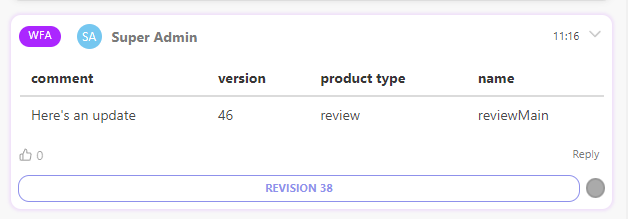
Custom Comment Template: When enabled, AYON publisher will use this template as Kitsu comment. You can use markdown as it's supported by Kitsu.
Custom Comment Template Example
Here's an example template that makes a nice table.
| comment | version | product type | name |
|--|--|--|--|
| `{comment}` | `{version}` | `{productType}` | `{name}` |
And, when artists provide a comment in publisher UI.

Result:
Sync settings
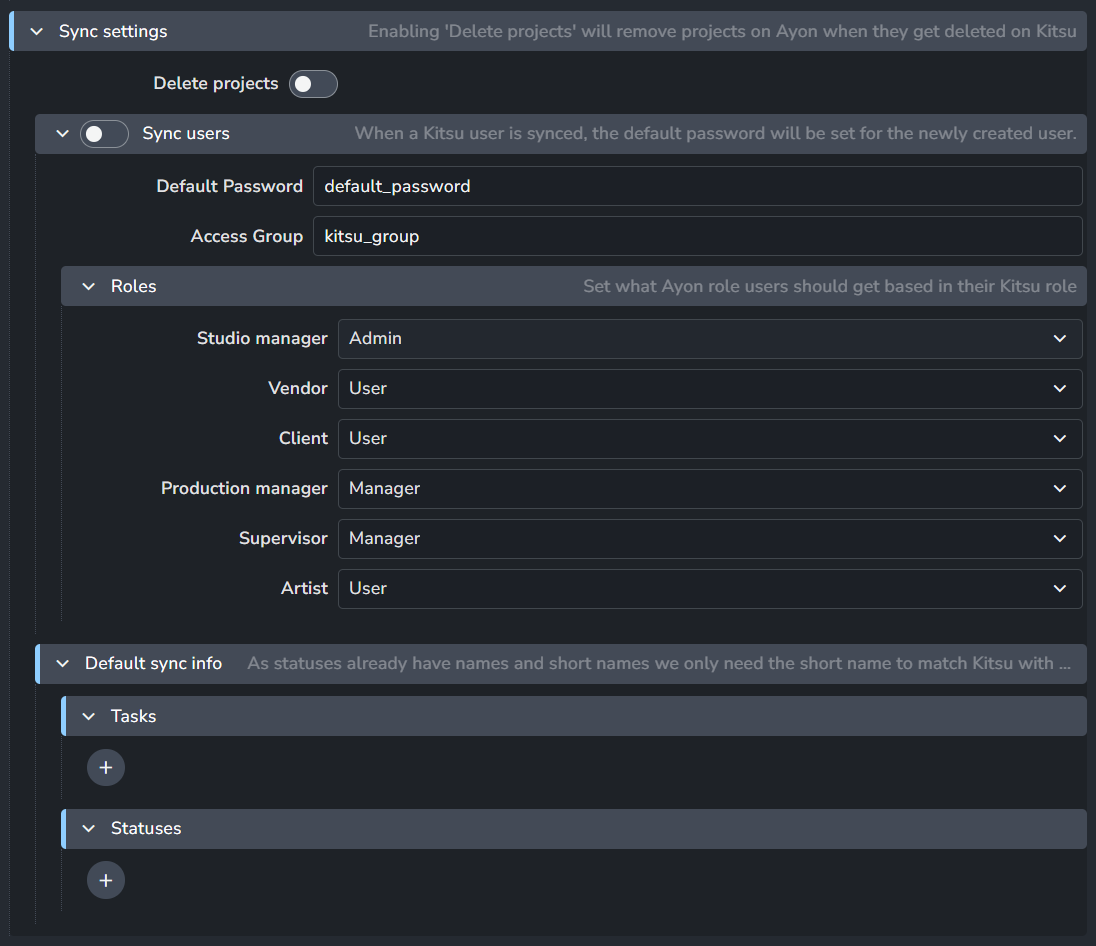
Delete Projects: When enabled, Deleted projects on Kitsu will be deleted on AYON.
Sync users: Sync Kitsu Users, their passwords and map Kitsu roles to AYON roles.
Below are the defaults set for the newly created user when a Kitsu user is synced.Please ask the user to change the password inside Ayon.
Default Password: Default Password.
Access Group: Default Access Group
Roles: Ayon role users should get based in their Kitsu role.
Default sync info: This defines the default sync mapping.
If a task or status is listed, AYON will use the specified name, short name, and icon. Otherwise, it will apply default naming and icons.Tasks: Each task includes a Name, Short Name, and Icon.

Statuses: Each status includes a Short Name, State, and Icon.

Example
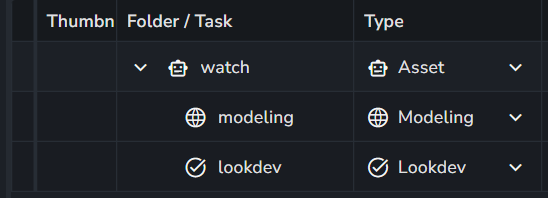
The following asset watch includes two tasks: Modeling and Lookdev.
Since my settings include Modeling but not Lookdev, when AYON syncs these tasks, it creates Modeling with the specified globe icon and Lookdev with the default check icon.
Asset in Kitsu

My Default sync info setting

Asset in AYON After Sync